Sitefotos
Built For This Trade- PriceQuote only
Snow Removal CRM and software, checked November 2026
4 CRMs built only for snow removal and 7 multi trade CRMs that publish a snow removal page. We compared each snow removal page against the same vendor's other trade pages. 3 of 7 read like the same page with the trade name swapped.
Snow work is sold before the season and done in the middle of the night. In the fall you sign contracts with homeowners and businesses, either per push, per season or per inch. Each site has its own trigger, like plow at two inches, and its own rules about salt and walkways. When a storm comes, you watch the forecast, call in crews and send them out on set routes. Drivers need to know the order of sites, where to pile snow and what to avoid. Each visit gets logged with a time, photos and what was done, because slip and fall claims can come months later. After the storm, you invoice by the visit, the inch or the season, and for commercial sites you may need to show the log to get paid. Salt and fuel use must be tracked too. Then you wait for the next storm and do it again.
These tools were made for snow removal businesses first. Their screens use your words, not sales words.
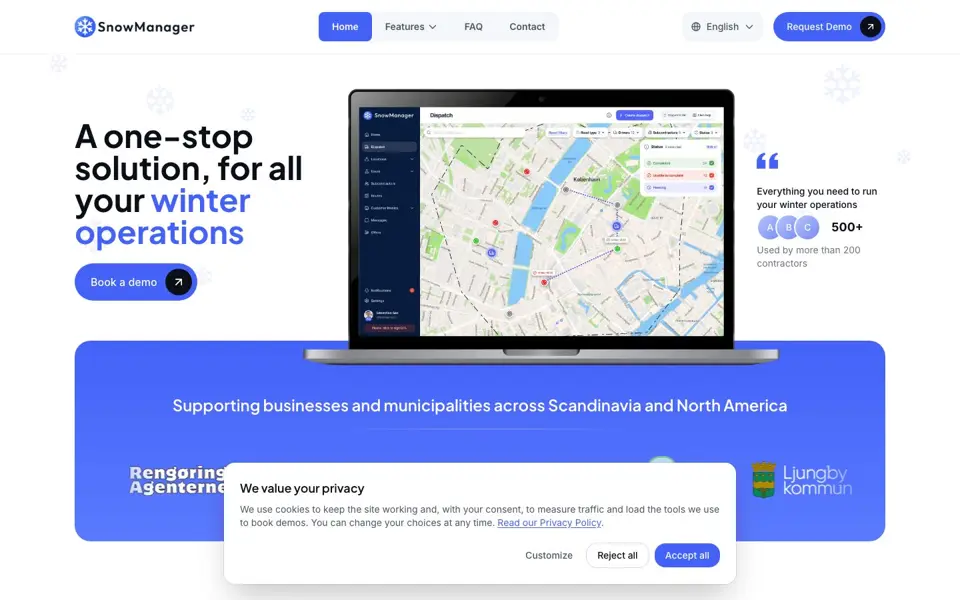

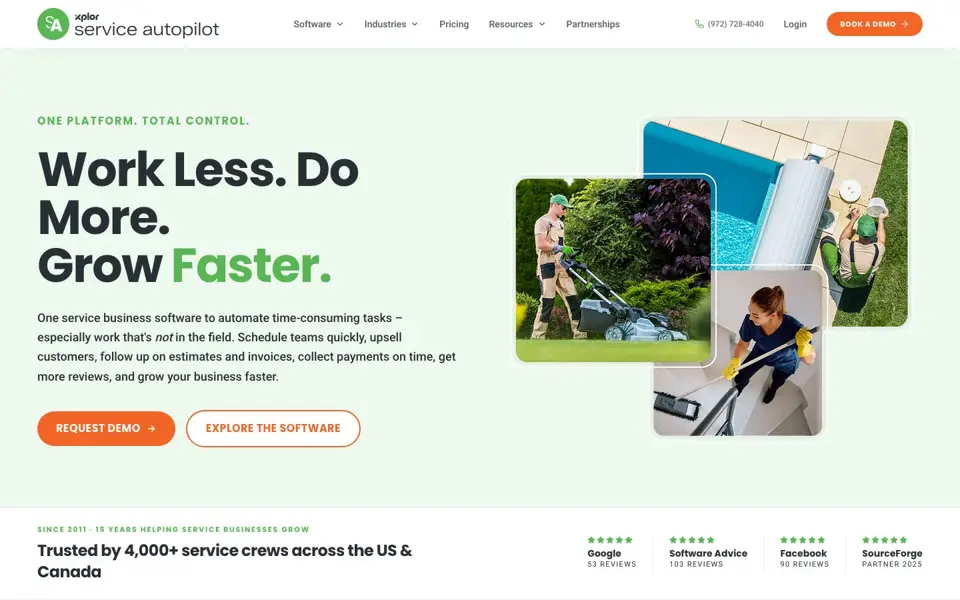
Each of these sells to many trades and has a page aimed at snow removal. We screenshot that page and compare its text with the same company's pages for other trades. Sorted from most real to most swapped.
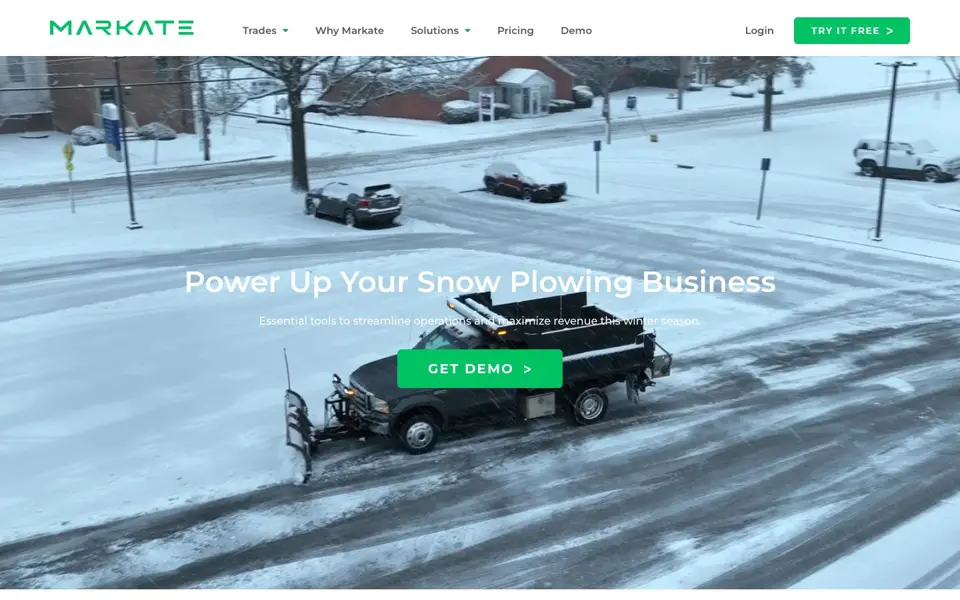
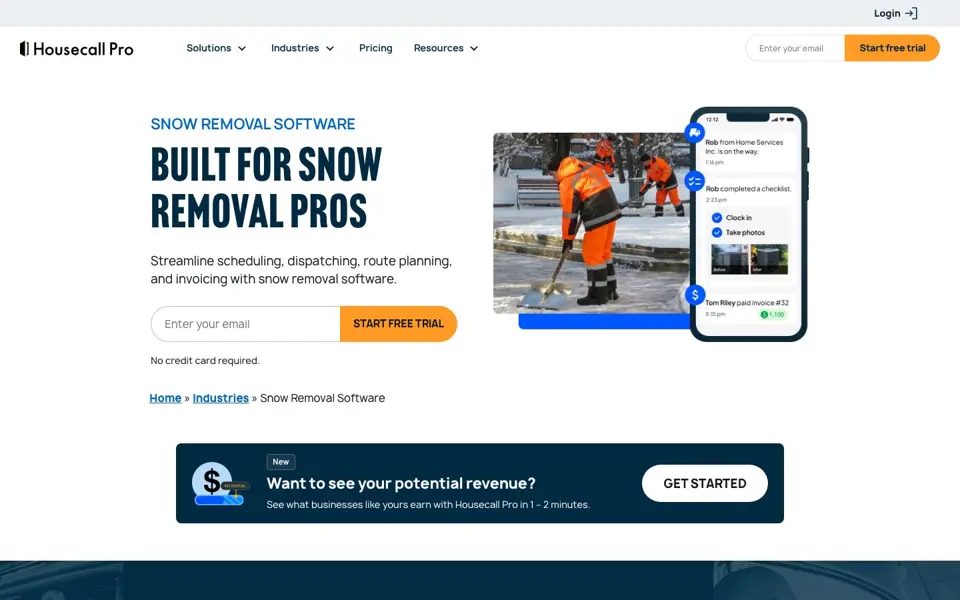
Their headline for this trade, SNOW REMOVAL SOFTWARE
Their headline for this trade, Snow removal software that won’t leave you buried in admin
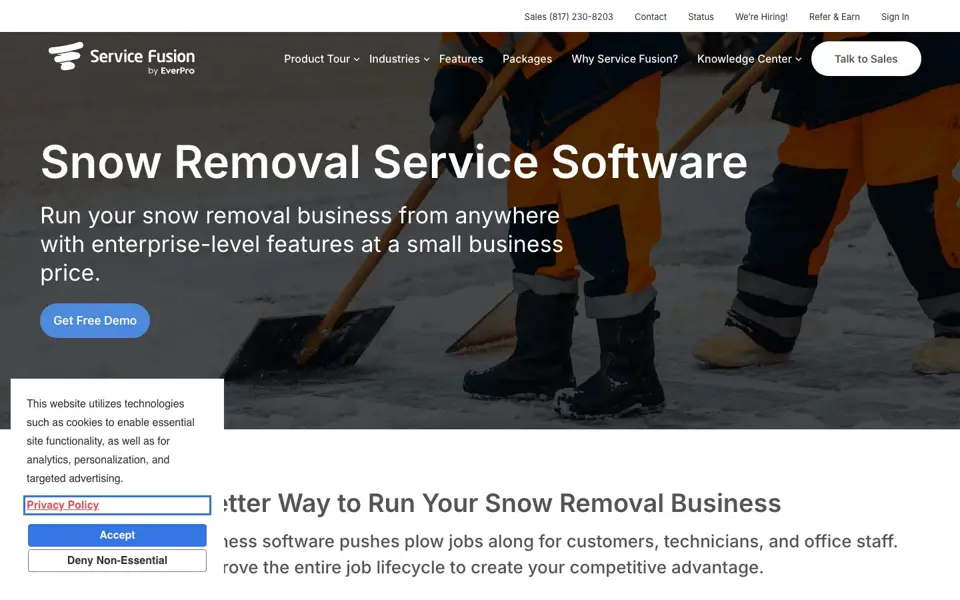
Their headline for this trade, Snow Removal Service Software
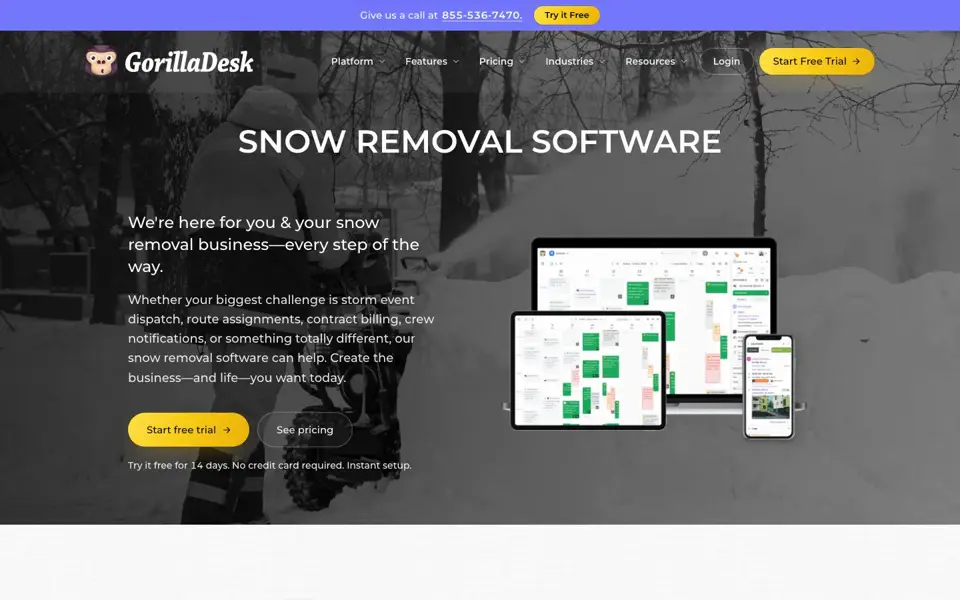
Their headline for this trade, SNOW REMOVAL SOFTWARE

Their headline for this trade, #1 Rated Trade Business Software | Snow Removal Software, Business Management App

Their headline for this trade, Snow Removal Software
Tradify publishes a snow removal page. These sentences on it also appear on its pages for other trades, with only the trade word changed. We replaced the trade word with a marker so you can see it.
Slip and fall lawsuits are the big risk in snow work. You need proof of when you were on site, what you did and what it looked like. GPS time stamps and photos on every visit can save you. Paper logs or memory will not hold up when a lawyer calls months later.
Demo test. Log a visit from a phone and check that it saves the time, GPS location and photos and that they cannot be edited later.
Contracts are per push, per inch, per event or per season, and one customer may have more than one. The software needs to group visits by storm and bill the right way for each contract. If you bill by hand after a big storm, you miss visits and leave money on the table.
Demo test. Create one storm with three visits to a per push site and one visit to a seasonal site, then run the invoices.
Drivers work in the dark with snow covering everything. They need a site map showing where to pile, curbs, hydrants, drains and no go areas. Without it, they push snow onto a fire lane or tear up a lawn, and you pay for the damage.
Demo test. Open a site in the driver app and see a marked up map with pile areas and hazards.
Commercial sites usually need clearing before opening and residential before work. Each site has its trigger depth. You need routes in a set order and a way to start only the sites that hit their trigger. Without it, crews waste time on sites that did not need service.
Demo test. Set two sites with different trigger depths and see how the route changes when you enter a snowfall amount.
Salt is a big cost and many contracts bill it separately. You need to log how much went down at each site per visit. If you do not track it, you either eat the cost or argue with the customer about the bill.
Demo test. Add a salt amount to a visit and see if it shows on the invoice and on a materials report.
The season is won in the fall. You need to send contracts, get them signed online and take deposits before the first flake. Chasing paper contracts in December means you start the season not knowing who your customers are. Signed contracts also tell you how many trucks to have ready.
Demo test. Send a seasonal contract by text, sign it as the customer and check that the site is added to a route.
Snow removal software is often priced per user or per truck per month, and some charge only for the winter months. GPS tracking, weather data and customer portals can add cost. Landscape tools may include snow in a higher plan. Ask whether you pay for drivers who only work storms, since many crews are part time.
We have no public snow removal threads logged yet.
Monthly Google searches in the United States, {SEEN}. Cost is what advertisers pay per click, which shows how hard vendors fight for that search.
| Search | Per month | Ad cost per click |
|---|---|---|
| snow removal software | 70 | $53.93 |
| best snow removal software | 10 | $67.89 |
| snow removal business software | 10 | $13.22 |
| snow removal estimating software | 10 | $50.14 |
| snow removal management software | 10 | $38.19 |
| snow removal scheduling software | 10 |
Snow companies use field service tools built for storms, with routes, site maps, GPS logs and event billing. Some are snow only and some are landscape tools with a snow side. The key is proof of service with times and photos, plus billing by push, inch or season. Ask to see a storm log from a real account, not a sample screen.
Use an app that time stamps each visit with GPS and photos, and stores them so they cannot be changed. Save the weather data for that storm too. If a slip and fall claim comes, you can show when you were there and what you did. Talk to your insurance company about what they want to see.
Set each site's contract type in your software. When drivers log visits, the software groups them by storm and builds invoices with the right count. Seasonal contracts bill on their own schedule. Doing this by hand after a long storm is where most shops lose money. Have them bill a fake three push storm in the demo while you watch.
Good ones let drivers log salt or ice melt amounts on each visit. That shows up on the invoice if you bill it and on a report so you know your costs. Ask whether you can set it by bags, pounds or tons, since crews measure it differently. Then check the salt report matches what the drivers entered.
Send contracts in the fall with online signing and a deposit if you take one. Software that lets customers sign on their phone gets a lot more back. Once signed, the site should drop into a route. Starting outreach early helps you plan crews and equipment. Sign a test contract on your own phone during the demo.
Some landscape tools have a snow module that works well. Others only bill by the job and have no storm grouping or GPS proof. Ask to see a whole storm in the demo, from trigger to invoice. If it cannot do that, it will not hold up in a real winter.