Mobile Mechanic CRM and software, checked November 2026
CRM For Mobile Mechanic
1 CRMs built only for mobile mechanic.
Built for the trade
1
Generic vendors with a page
0
Pages that were swapped
Not tested
Top search
mobile mechanic software, 140 a month
How A Mobile Mechanic Job Actually Moves
A mobile mechanic job starts with a call or a text, usually with a vague problem like it will not start or there is a noise. You need the year, make, model and engine, the address and what the car is doing. You quote from labor time and parts, and often have to diagnose first and quote the repair after. Once the customer says yes, you order parts for pickup or delivery and plan the day around drive time between jobs. On site you work in a driveway or parking lot, so you need the repair info on your phone. If the job grows, you send an updated quote with photos and get approval before going on. When you finish, you take payment right there by card. Then comes the warranty on parts and labor, plus a reminder for the next service. Every hour spent driving or chasing parts is an hour you are not paid for.
Built For Mobile Mechanic
These tools were made for mobile mechanic businesses first. Their screens use your words, not sales words.
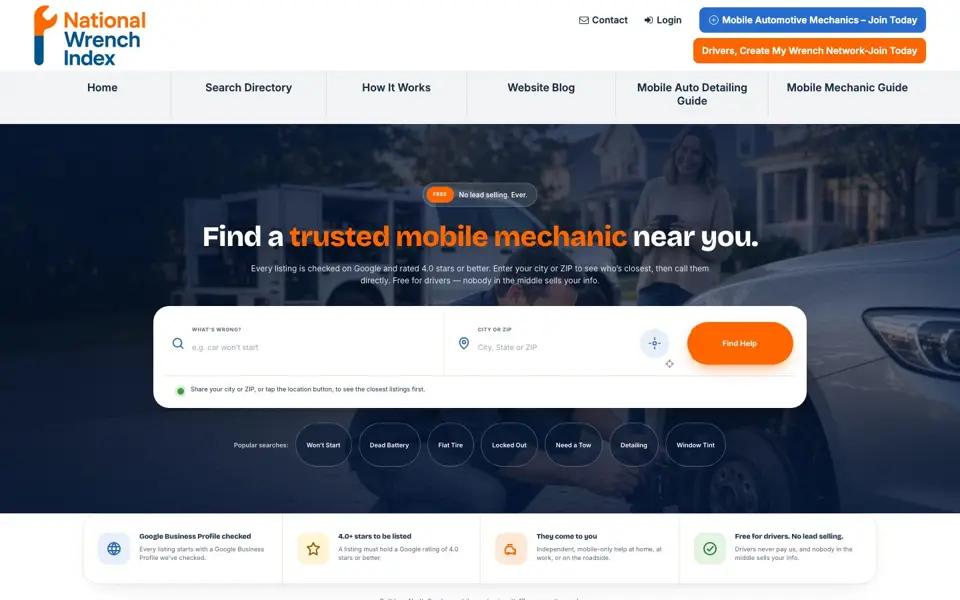
National Wrench Index Suite home page, as captured November 2026
None of the multi trade vendors we checked publish a page for mobile mechanic.
What A Mobile Mechanic CRM Must Do
Vehicle Lookup And Labor Times
Quotes for car repair come from labor guides and parts prices for that exact car. You need to look up the vehicle by VIN or year, make and model and pull a labor time. A generic CRM makes you guess, and guessing on labor is how mobile mechanics lose money on every job.
Demo test. Enter a VIN and build a quote for brakes using a labor time and parts price pulled from inside the app.
Parts Ordering From The Phone
You do not have a parts room. You need to check stock and price at local stores and order from the same screen as the quote. If you have to call three parts stores, you lose an hour and the customer goes with a shop instead.
Demo test. From a quote, search a part, see prices from more than one supplier and place the order.
Digital Inspection With Photos
Customers are not standing next to you when you find the worn belt. Photos and short notes in an inspection sent by text get extra work approved. Without it, you call and explain and they say no because they cannot see it.
Demo test. Do a short inspection with two photos and send it to a customer phone, then approve an item as the customer.
Drive Time Aware Scheduling
Your schedule is a route. Booking a job across town between two close ones wrecks your day. The scheduler should show jobs on a map and drive time between them. A calendar that only shows time slots will book you into traffic all day.
Demo test. Book three jobs and see if the schedule shows them on a map with drive times.
Approval Before Extra Work
Doing work the customer did not okay is how you end up in a fight or a complaint. Many states have rules about written estimates and approvals for auto repair. You need a signed approval on each quote and each change, saved with the job.
Demo test. Send a changed quote, approve it on the customer phone and see the time stamped approval on the repair order.
Pay On Site And Warranty Records
You want to leave with the money. Tap to pay or a payment link on your phone gets you paid before you drive away. Then the parts and labor warranty must be saved on the job so you can find it when a part fails.
Demo test. Close a repair order with a card payment on the phone and look it up later by the customer's plate or VIN.
Signs It Is Generic
Has no VIN or vehicle field on the job
Calls a repair order a deal or a project
Cannot pull labor times or parts prices
Schedules jobs on a calendar with no map or drive time
Has no customer approval step before work starts
Systems It Should Connect To
PartsTech
Worldpac
NAPA PROLink
MOTOR labor guides
ALLDATA
Mitchell 1 ProDemand
CARFAX
Google Maps
Stripe
Square
What It Costs
Software for mobile mechanics is often priced per user or per tech per month, and some auto repair systems price per location. Labor guides and repair info are often a separate subscription. Parts ordering links are usually free, while texting, inspections and card fees may cost more. Ask if a one person operation can get a plan without paying for features built for a ten bay shop.
Tradesmen Reviews
Public threads where mobile mechanic owners and techs talk about the CRMs they run. Each links to the original so you read it in their words.
Monthly Google searches in the United States, {SEEN}. Cost is what advertisers pay per click, which shows how hard vendors fight for that search.
Search
Per month
Ad cost per click
mobile mechanic software
140
$51.09
best mobile mechanic software
20
$32.56
Questions People Ask
What is the best software for a mobile mechanic?
Pick something built for auto repair that runs on your phone. It needs VIN lookup, labor times, parts ordering, digital inspections and payments in one app. Shop management systems for auto repair often have a mobile mode. A general field service tool can work, but you will miss labor guides and parts links.
How do mobile mechanics quote jobs?
Most quote from a labor guide time multiplied by their hourly rate, plus parts and a markup. Some add a trip or service call fee. Software that pulls labor times and parts prices for the exact vehicle keeps quotes consistent and fast. Always get approval in writing before starting. Build a quote for your own truck in the demo and time it.
Can I order parts from my phone as a mobile mechanic?
Yes. Several parts ordering networks connect to auto repair software so you can check stock and price at local stores and order from the quote. Ask which suppliers near you are on the network. Pickup or delivery matters, since you are planning the day around it. Search a common part for a local car and see the store stock.
Do mobile mechanics need a CRM?
You need customer and vehicle history, reminders and texting, so yes in a way. But a sales CRM will not quote a repair. An auto repair system with a mobile app covers the CRM part and the repair part. That is less to pay for and fewer apps to juggle.
How do I take payment as a mobile mechanic?
Use tap to pay on your phone or send a payment link by text before you leave. Your repair software should close the repair order when payment goes through. Avoid letting customers pay later by mail, since collecting is much harder once you are gone. Run a real tap in the demo and watch the repair order close.
How do I keep my mobile mechanic schedule from falling apart?
Book with a map in front of you so jobs cluster by area. Leave buffer time for parts runs and diagnosis that runs long. Software that shows drive time between jobs helps a lot. Text customers when you are on the way so they are ready when you show up.