Auto Repair CRM and software, checked November 2026
CRM For Auto Repair
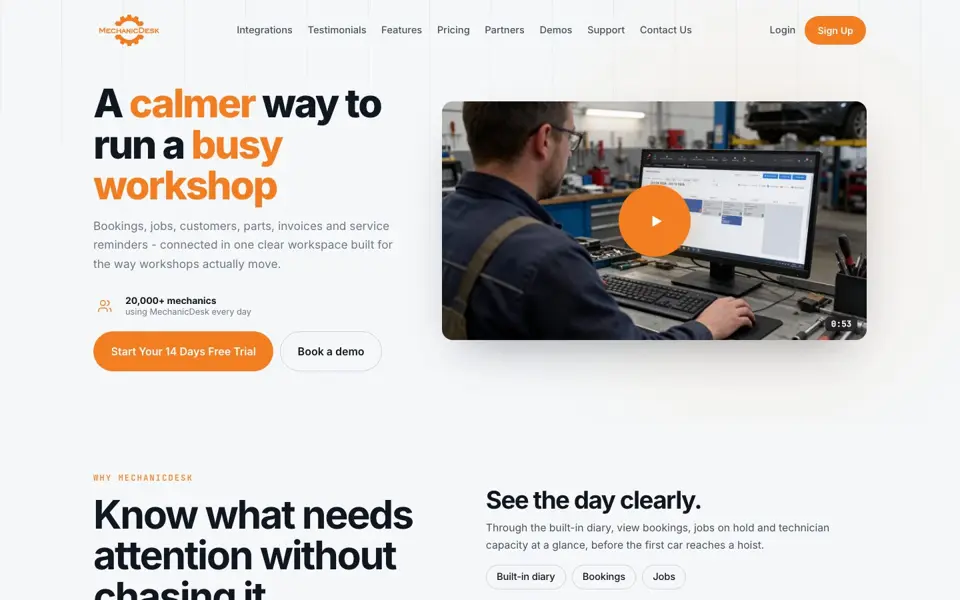
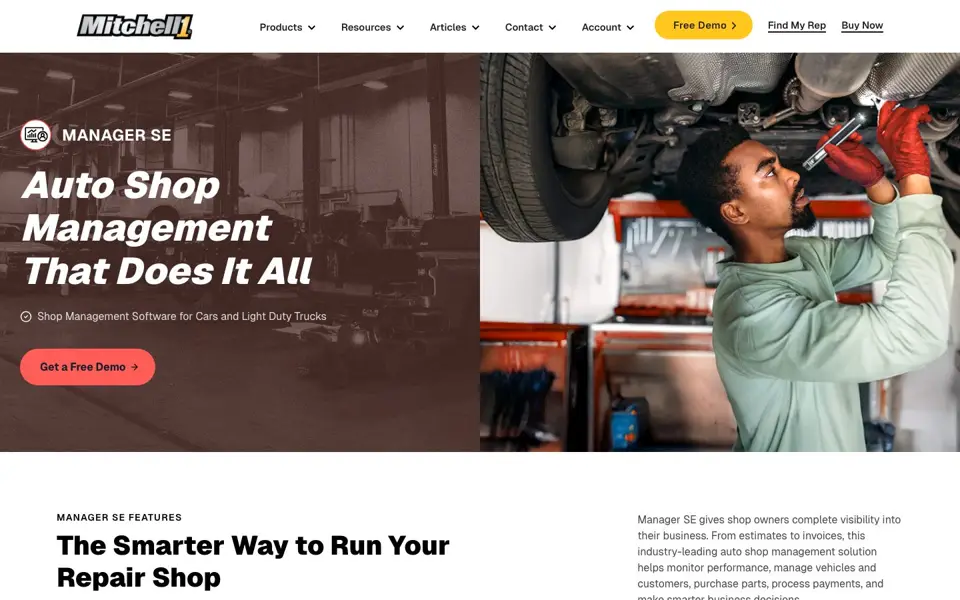
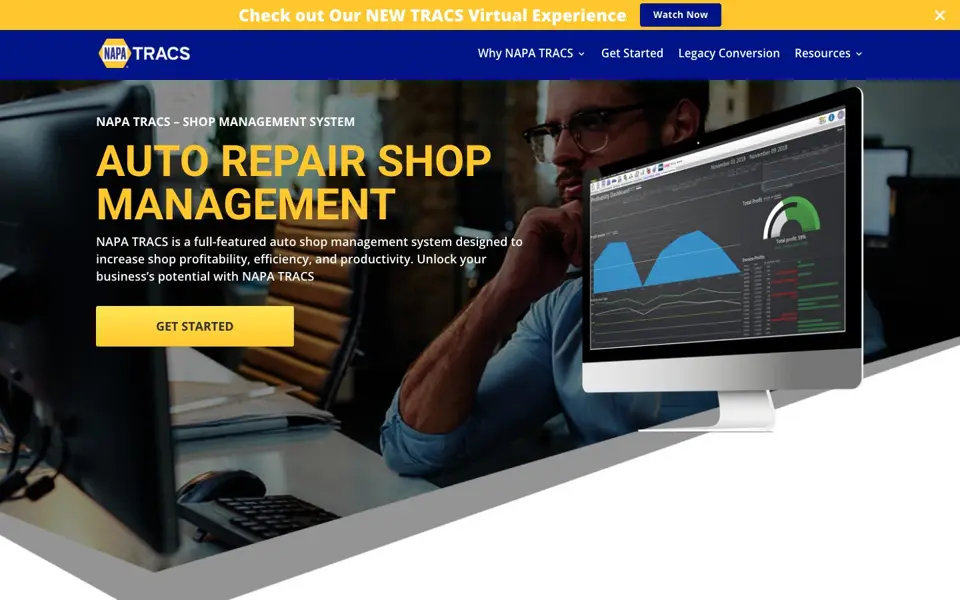
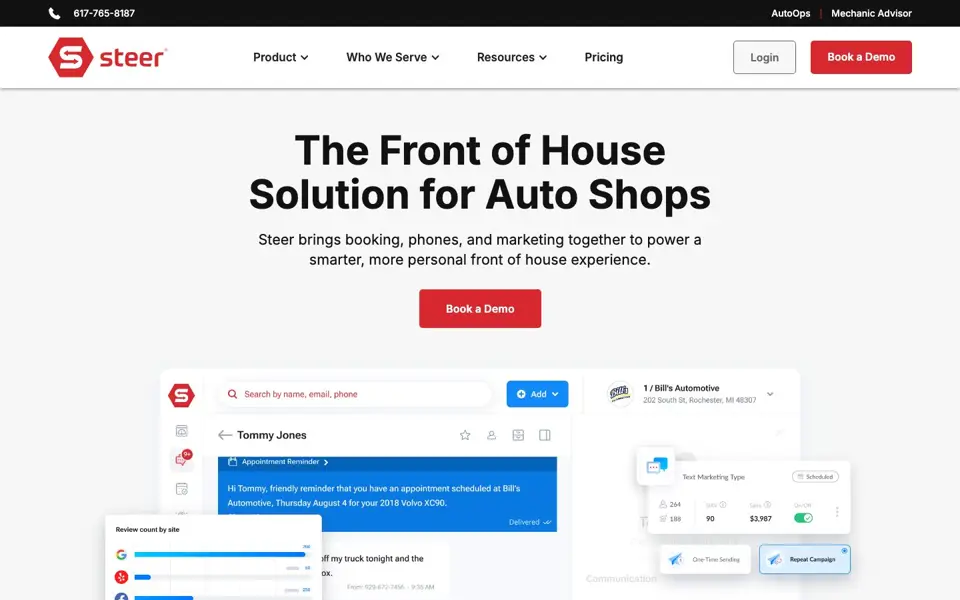
14 CRMs built only for auto repair and 6 multi trade CRMs that publish a auto repair page. We compared each auto repair page against the same vendor's other trade pages. 2 of 6 read like the same page with the trade name swapped.
Built for the trade
14
Generic vendors with a page
6
Pages that were swapped
2 of 6
Top search
auto repair shop software, 2,400 a month
How A Auto Repair Job Actually Moves
A customer calls, books online, or just pulls into the lot. The service writer takes the year, make, model, mileage and the complaint, often by scanning the VIN or the plate. The car goes to a tech, who runs a digital inspection with photos and notes on what failed. The writer builds an estimate with labor times from a labor guide and parts priced from local suppliers, then texts the inspection and estimate to the customer to approve. Approved lines become work and declined lines get saved for later. Parts get ordered and usually show up within an hour or two. The tech clocks in on each job, makes the repair and road tests the car. The writer closes the repair order, the customer pays at the counter or by text link, and the shop sets a reminder for the next service that car is due for.
Built For Auto Repair
These tools were made for auto repair businesses first. Their screens use your words, not sales words.
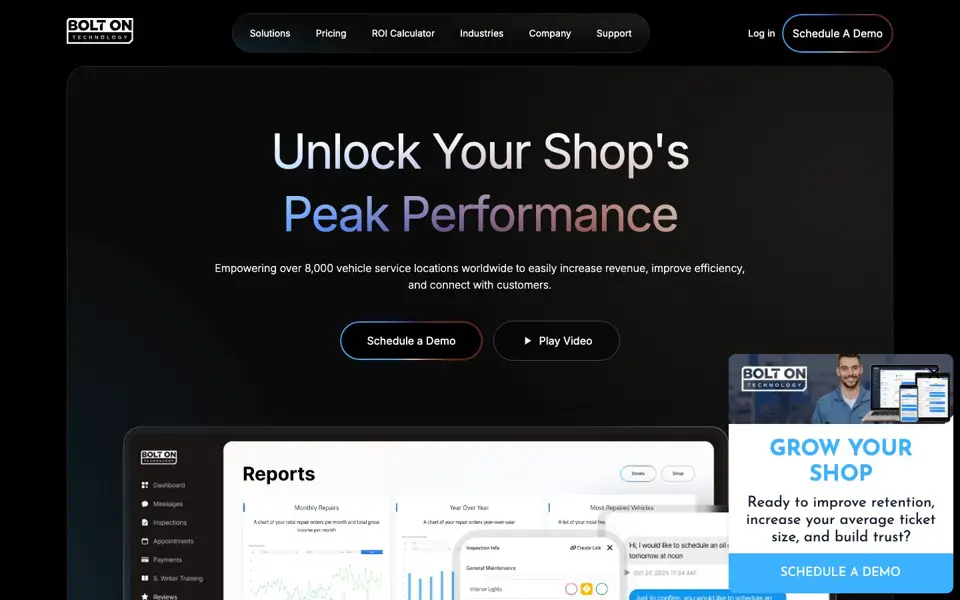
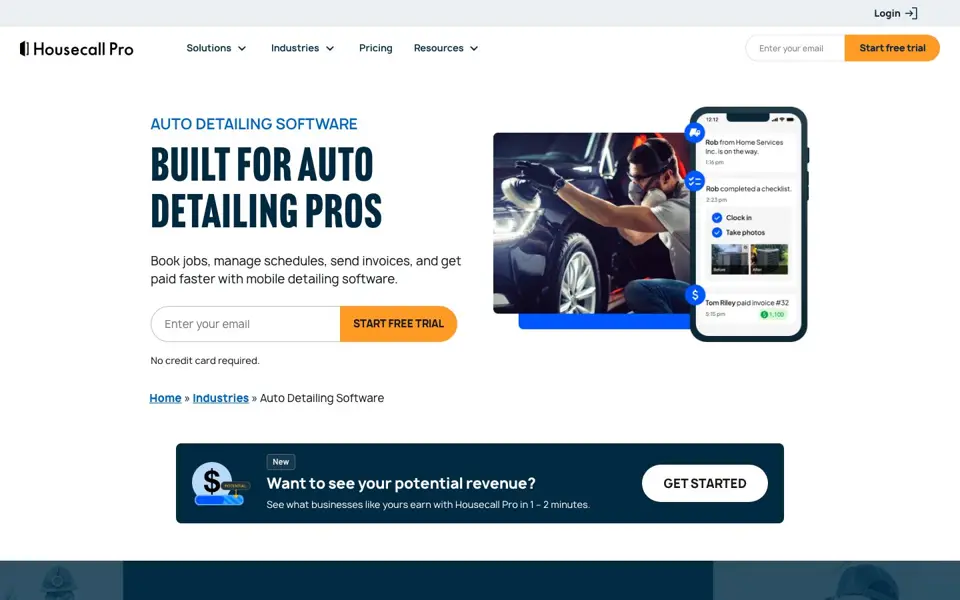
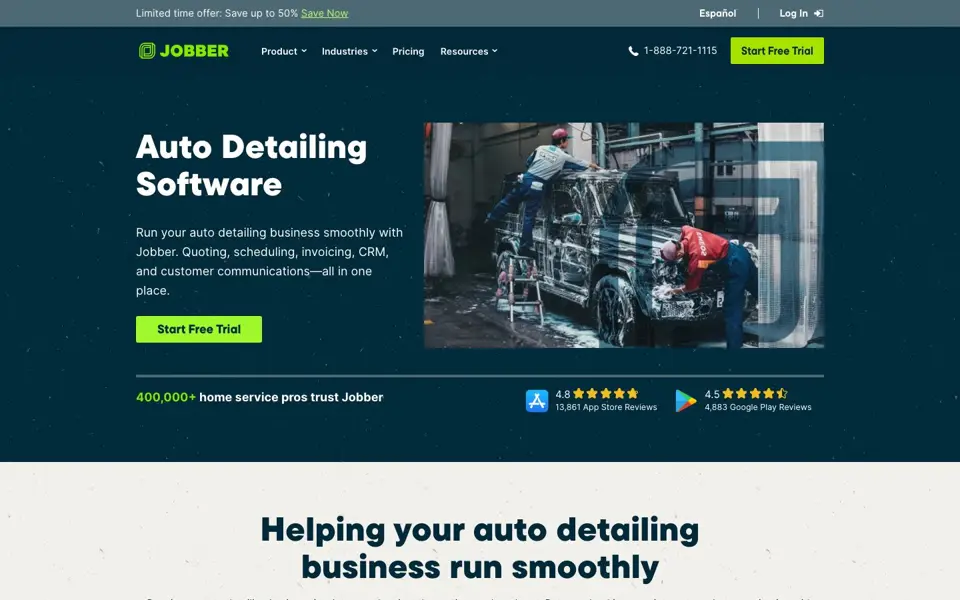
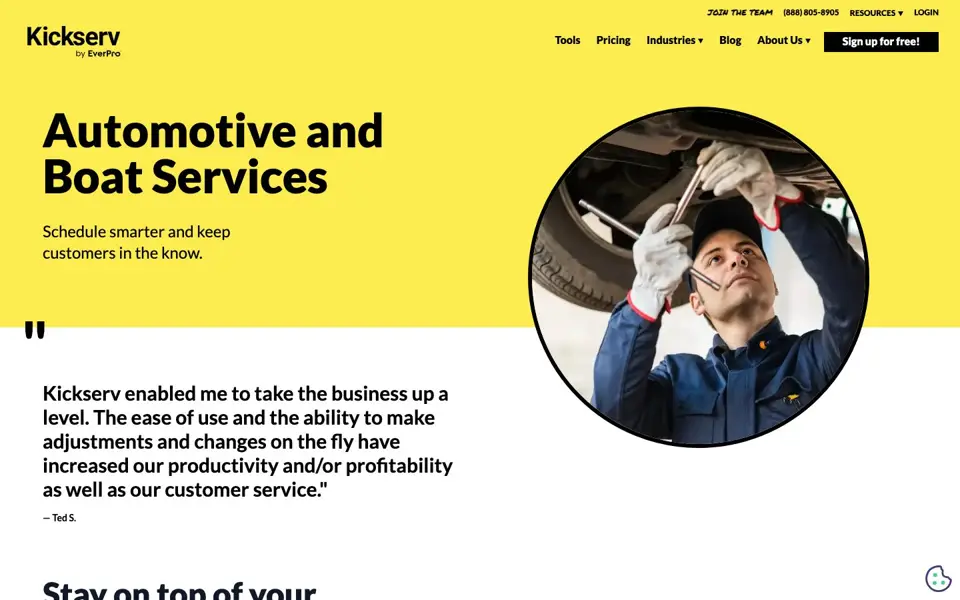
Each of these sells to many trades and has a page aimed at auto repair. We screenshot that page and compare its text with the same company's pages for other trades. Sorted from most real to most swapped.
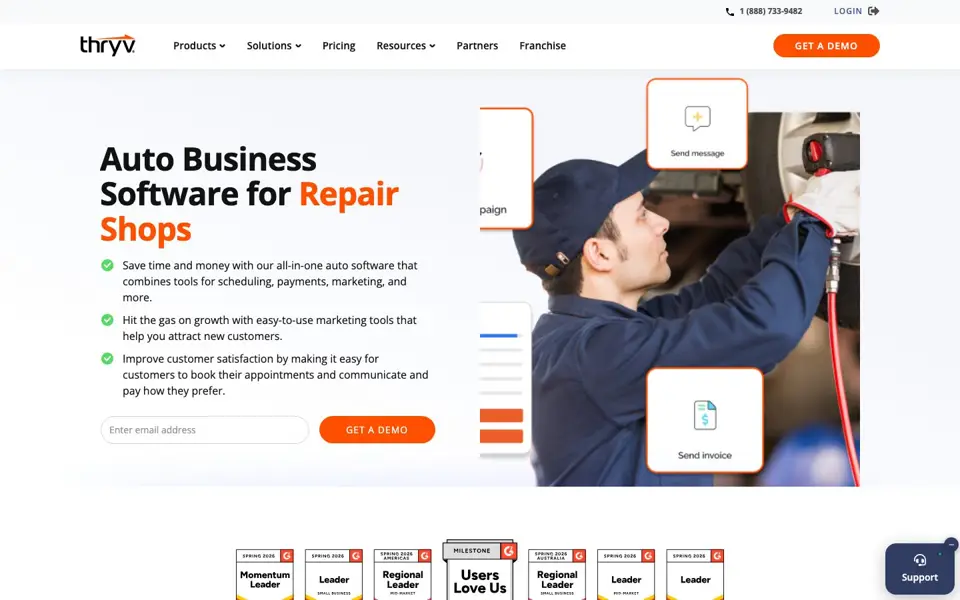
Housecall Pro page for auto repair, as captured November 2026
HighLevel (GoHighLevel) publishes a auto repair page. These sentences on it also appear on its pages for other trades, with only the trade word changed. We replaced the trade word with a marker so you can see it.
learn how to leverage highlevel for the [trade] industry!
Every repair order starts with the exact vehicle. Decoding a VIN or plate fills in year, make, model, engine and trim so parts and labor times match the right car. Without it, a writer types Camry and orders the water pump for the wrong engine. That means a trip back to the parts store and a car stuck on the lift.
Demo test. Give them a real VIN and see if the engine and trim fill in correctly on the repair order.
Labor Guide Lookup
Labor times are how a shop charges fairly and the same way every time. The tool should pull published labor hours for that exact vehicle and job right into the estimate. Without it, writers guess, techs get blamed for going over hours nobody checked, and two customers with the same car pay two different prices.
Demo test. Ask them to add a timing belt job on a specific car and show exactly where the labor hours came from.
Parts Ordering From Local Suppliers
A shop buys parts from three or four suppliers every day. The tool should show live price and stock from those suppliers and drop the part, cost and markup onto the repair order. Phoning around and typing part numbers by hand eats the writer's whole day and leads to missed markup on parts.
Demo test. Ask them to quote a brake job and order the pads from a supplier catalog without leaving the repair order.
Digital Vehicle Inspection
Customers approve more work when they see a photo of the leaking shock or the worn pads. Techs need a phone or tablet checklist that marks items green, yellow or red with pictures and notes, then sends it by text. Without it, the writer is on the phone trying to describe a part the customer cannot see.
Demo test. Have them run an inspection on a phone, add a photo, and text it to your own phone during the demo.
Tech Time Clock by Job
Most techs are paid flat rate or hourly with a bonus, so you need clock in and clock out on each job, not just for the day. The tool should compare billed hours to actual hours for every tech. Without it, payroll turns into an argument and you cannot tell which tech is fast and which one is padding time.
Demo test. Ask them to show a report of billed hours against clocked hours for one tech over one week.
Declined Work and Mileage Reminders
The best customer is the one who already came in. Declined repairs should stay on the vehicle and come back as reminders, and service reminders should go out by mileage and time since the last visit. A generic monthly email blast to everyone gets ignored and makes the shop look like spam.
Demo test. Ask them to show where a declined repair lives and how the reminder for it gets triggered.
Signs It Is Generic
Calls the repair order a deal or an opportunity
Has no vehicle record, just a contact with a notes field for the car
Cannot price parts or labor, only a line item with a dollar amount
Shows a pipeline with stages like Proposal Sent and Negotiation
Talks about lead scoring but never mentions inspections or declined work
Systems It Should Connect To
PartsTech
Worldpac speedDIAL
Nexpart
MOTOR
ALLDATA
Mitchell 1 ProDemand
Identifix
Carfax
QuickBooks
What It Costs
Auto repair software is usually priced per shop location per month, sometimes with tiers based on how many users or techs you have. Labor guides, repair data and inspection tools are often add ons with their own monthly fee. Text messaging can be billed by volume, and card processing often comes bundled with its own rate. Ask what is included, what costs extra, and whether you can export your repair orders if you leave.
Tradesmen Reviews
Public threads where auto repair owners and techs talk about the CRMs they run. Each links to the original so you read it in their words.
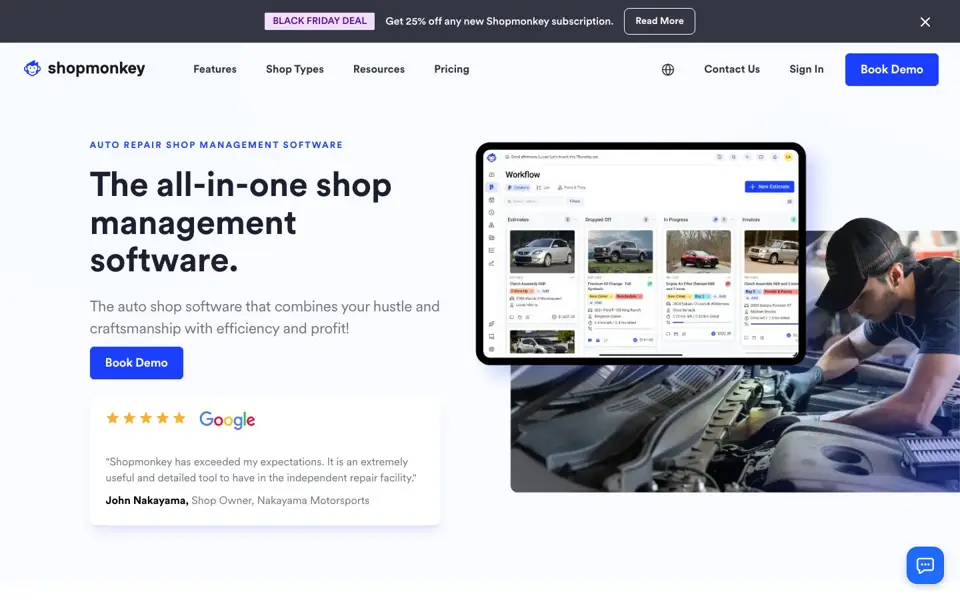
ShopmonkeyAuto repair (3 bay)Reddit r/autorepair about 2026-10
Monthly Google searches in the United States, {SEEN}. Cost is what advertisers pay per click, which shows how hard vendors fight for that search.
Search
Per month
Ad cost per click
auto repair shop software
2,400
$48.15
auto repair software
2,400
$48.15
automotive crm
1,000
$43.37
crm for automotive
1,000
$43.37
auto repair management software
880
$67.63
auto repair shop management software
880
$67.63
automotive scheduling software
720
$76.80
automotive software
480
$47.86
auto repair invoicing software
390
$59.23
auto repair shop invoicing software
390
$59.23
automotive crm software
390
$74.59
automotive invoicing software
320
$58.51
Questions People Ask
What is the best shop management software for auto repair?
The best fit is the one your writers can run fast at the counter. It should decode a VIN, pull labor times, order parts from your suppliers, run digital inspections and send estimates by text. Bring a real car to the demo and time how long it takes to go from a VIN to an approved estimate. Slow tools cost you every single day.
What is the difference between a CRM and shop management software for auto repair?
Shop management software runs the repair order, which covers the vehicle, labor, parts, techs and payment. A CRM handles customer follow up, like reminders, reviews and marketing texts. Many auto shop tools now do both. A generic CRM with no vehicle or parts data cannot run a shop, so it only works as an add on to real shop software.
Does auto repair software include a labor guide?
Some tools include a labor guide in the base price and others charge for it as a separate subscription. Ask which labor data they use, whether it covers the makes you see most, and whether hours drop straight into the estimate. If the writer has to look up hours in another window and type them in, it is not really connected.
Can customers approve auto repairs by text?
Yes, most modern shop software can text the customer a link with the inspection photos and the estimate. The customer taps to approve or decline each line, and the answer lands on the repair order with a time stamp. That record matters if a customer later says they never approved the work, so make sure the approval is saved on the job.
How do auto shops track declined work?
Good shop software saves every declined line on the vehicle, with the inspection photo that went with it. Then it reminds the customer later by text or email, and shows the writer the declined items the next time that car comes in. Without this, a lot of money walks out the door and never comes back, even from loyal customers.
Can I switch auto repair software without losing my customer history?
Usually yes, but ask before you sign. Find out if the new tool will import customers, vehicles and past repair orders from your current system, and whether that costs extra. Also ask your current vendor how to export your data. Some make it easy and some make it slow. Your history is what makes reminders and repeat visits work.