General Contractor CRM and software, checked November 2026
CRM For General Contractor
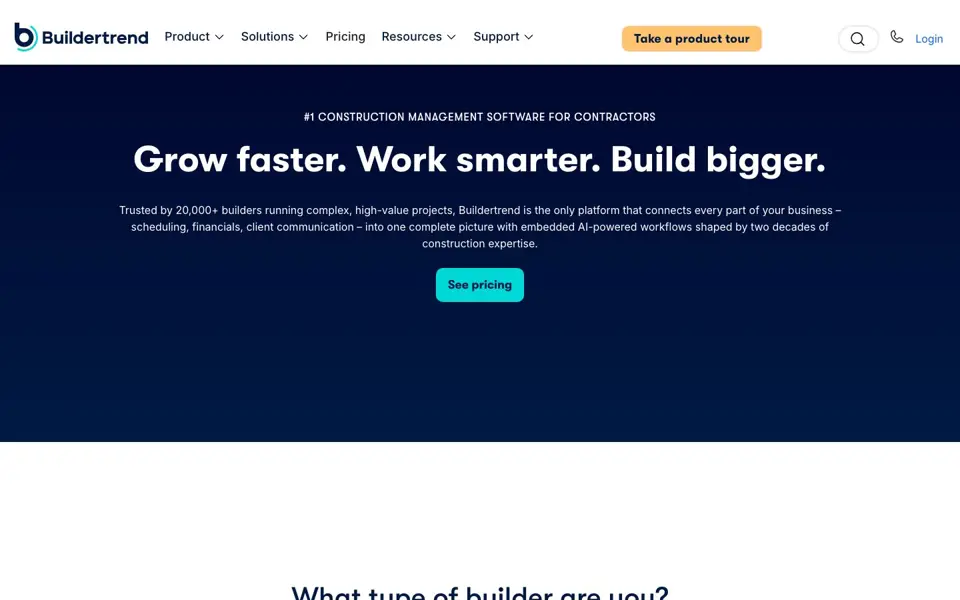
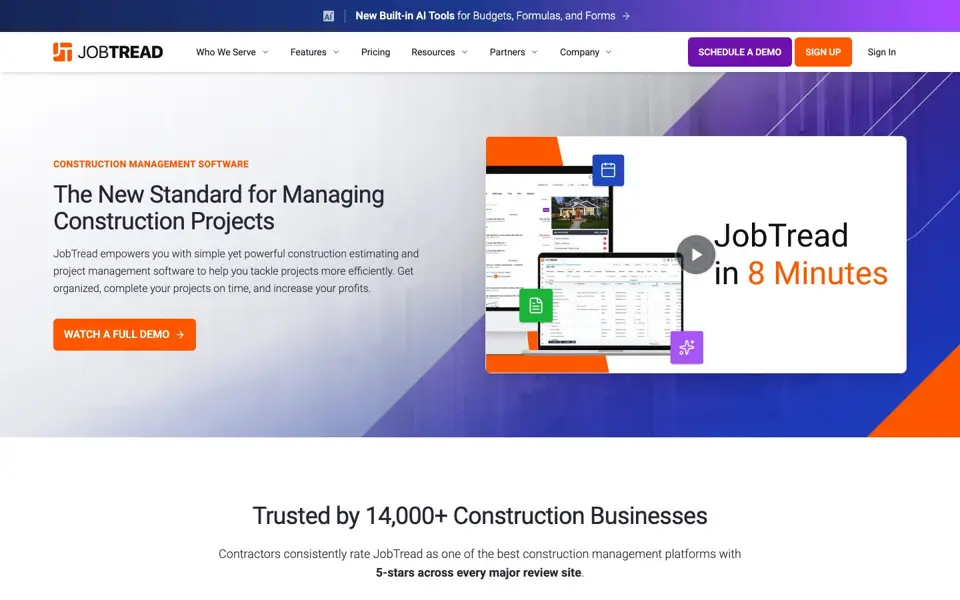
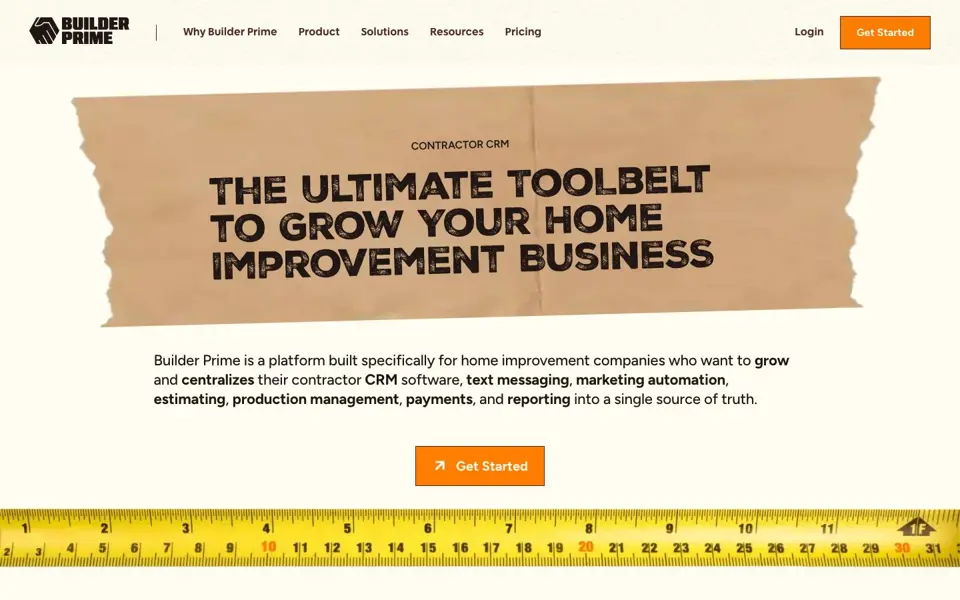
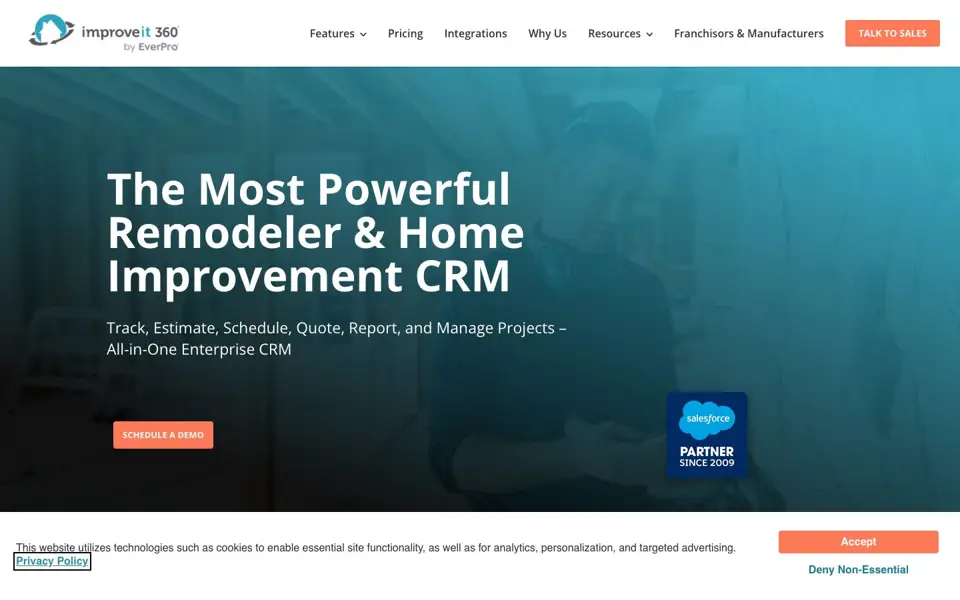
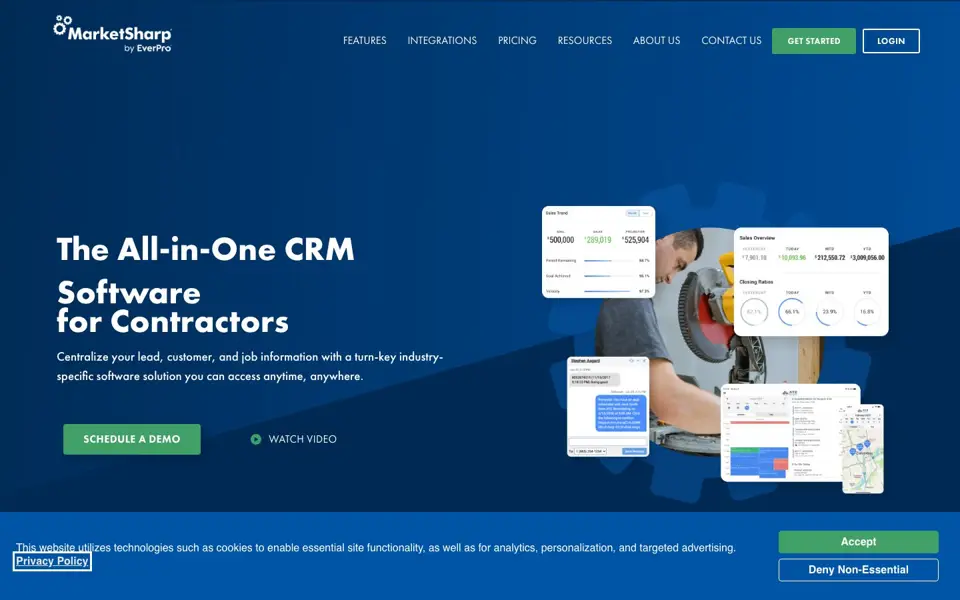
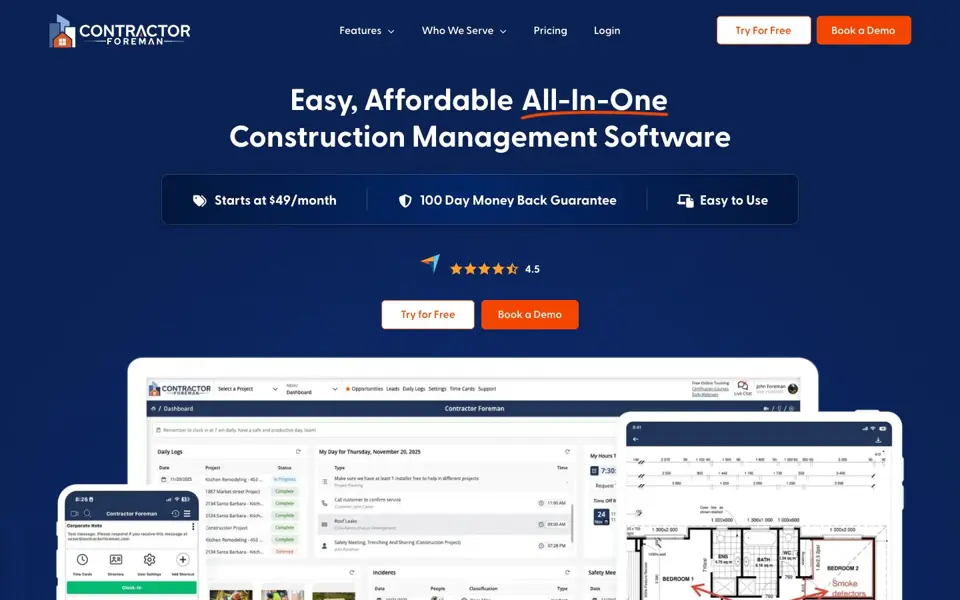
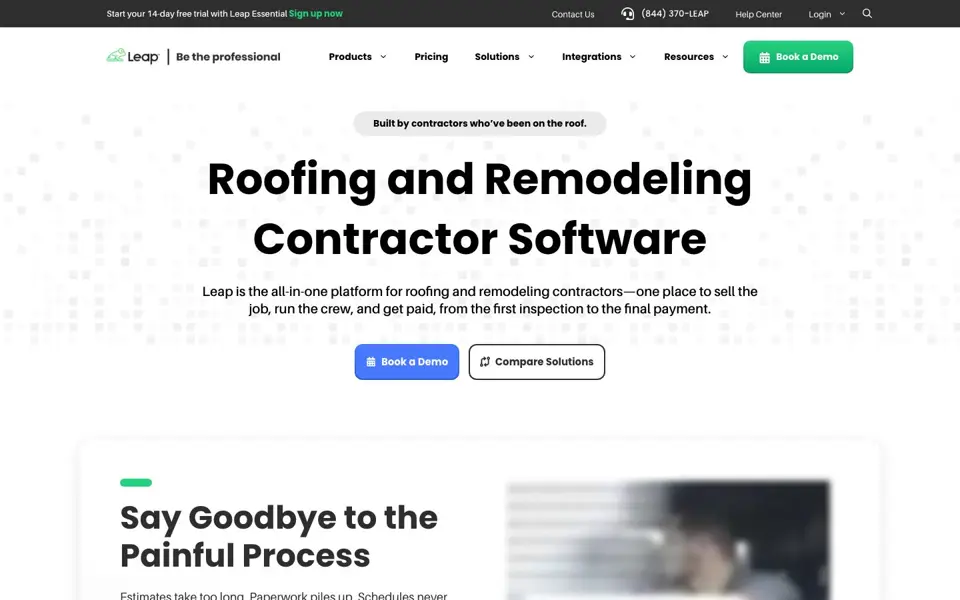
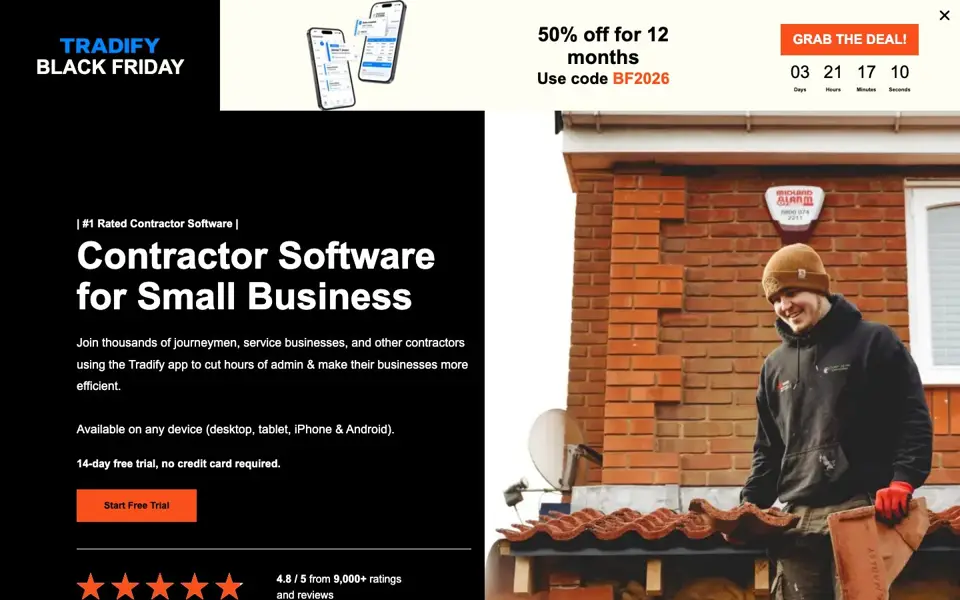
7 CRMs built only for general contractor and 18 multi trade CRMs that publish a general contractor page. We compared each general contractor page against the same vendor's other trade pages. 4 of 16 read like the same page with the trade name swapped.
Built for the trade
7
Generic vendors with a page
18
Pages that were swapped
4 of 16
Top search
construction estimating software, 8,100 a month
How A General Contractor Job Actually Moves
A homeowner or property manager calls about a remodel, an addition or a repair. You walk the site, take measurements and photos, and talk through what they want. Then you build an estimate with your own labor plus quotes from subs like plumbing, electrical and drywall. The client signs, pays a deposit and the job goes on the calendar. Permits get pulled. Materials get ordered and delivered in phases. Subs show up in the right order, or the whole job stalls. Every week the client changes something, so you write change orders and get them signed before the work happens. You bill in draws as phases finish, collect lien waivers from subs, and pass inspections. At the end you walk the punch list with the client, fix the last items, collect the final payment and hold any retainage until it is released.
Built For General Contractor
These tools were made for general contractor businesses first. Their screens use your words, not sales words.
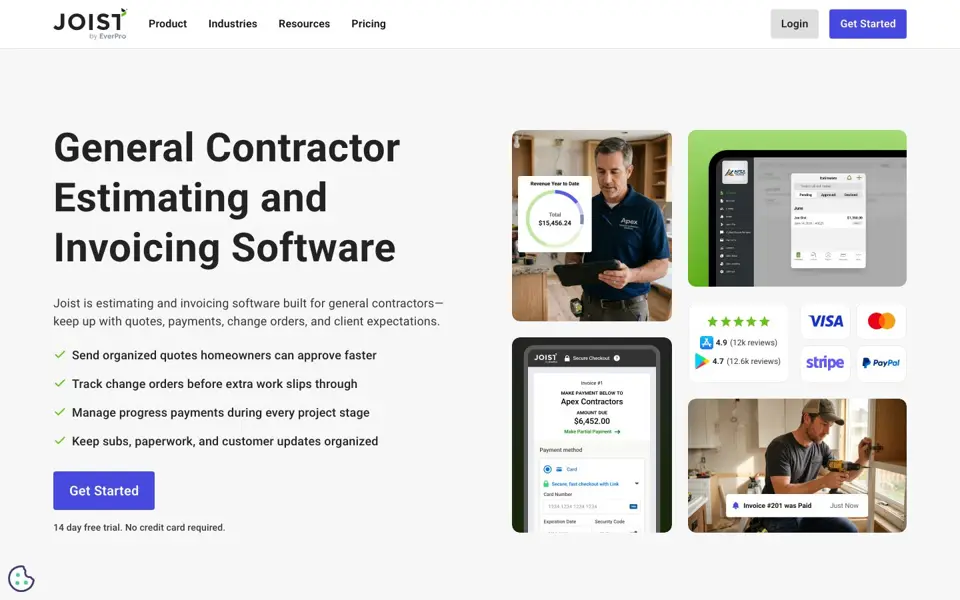
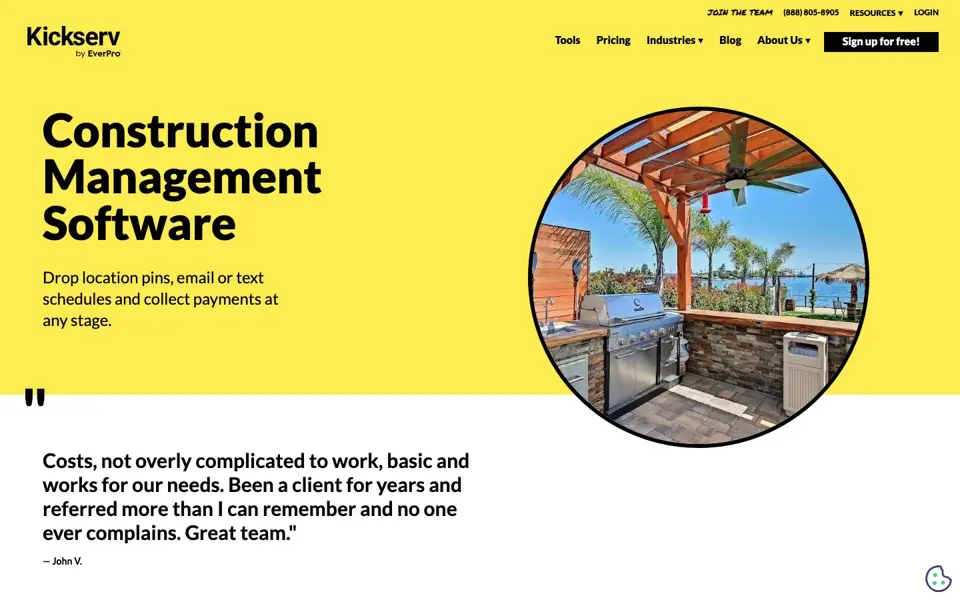
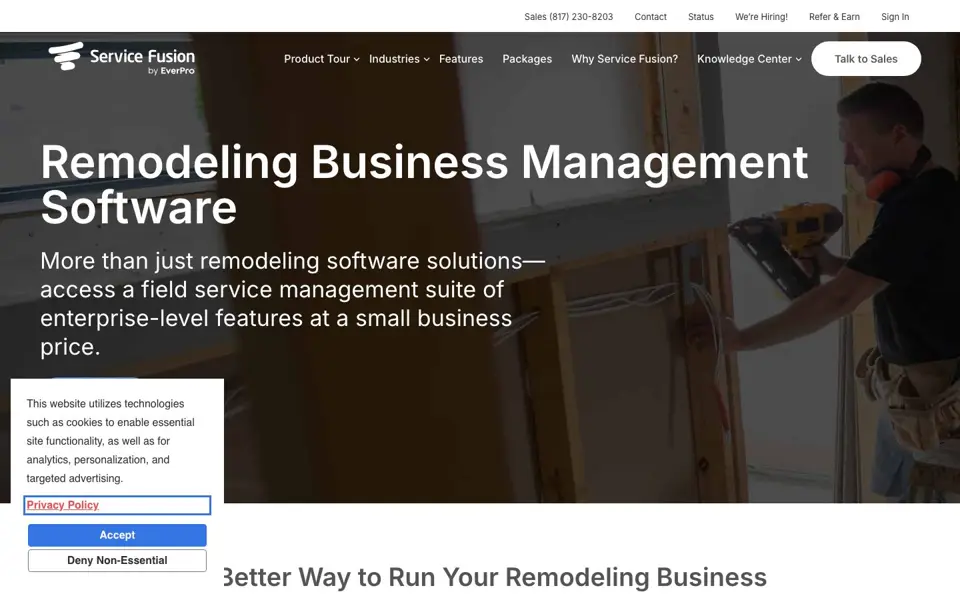
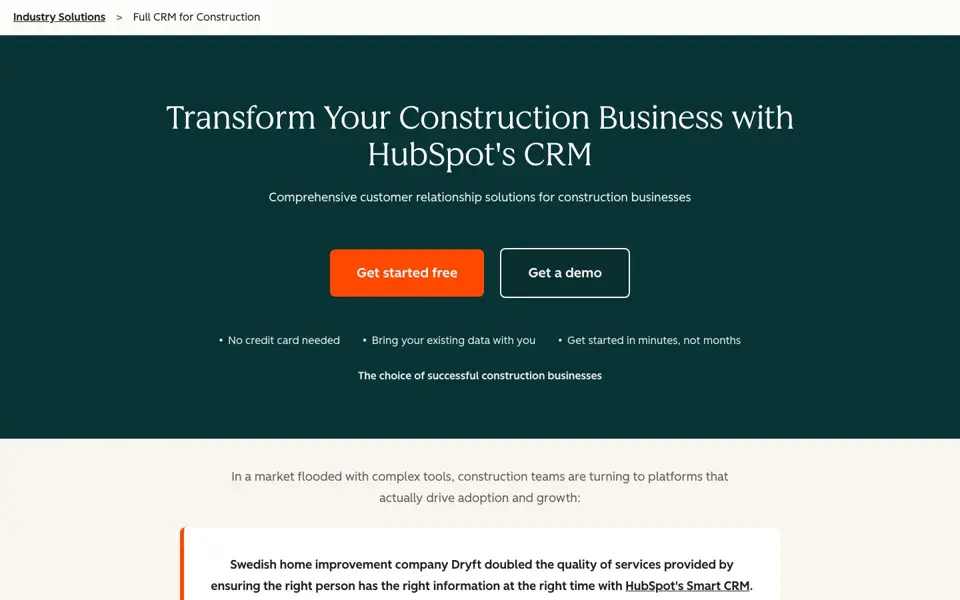
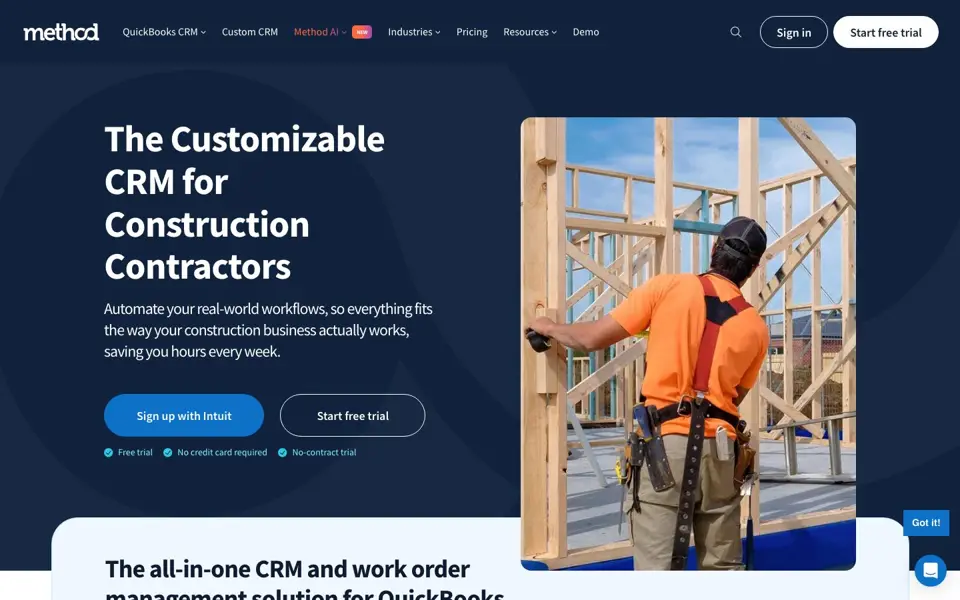
Each of these sells to many trades and has a page aimed at general contractor. We screenshot that page and compare its text with the same company's pages for other trades. Sorted from most real to most swapped.
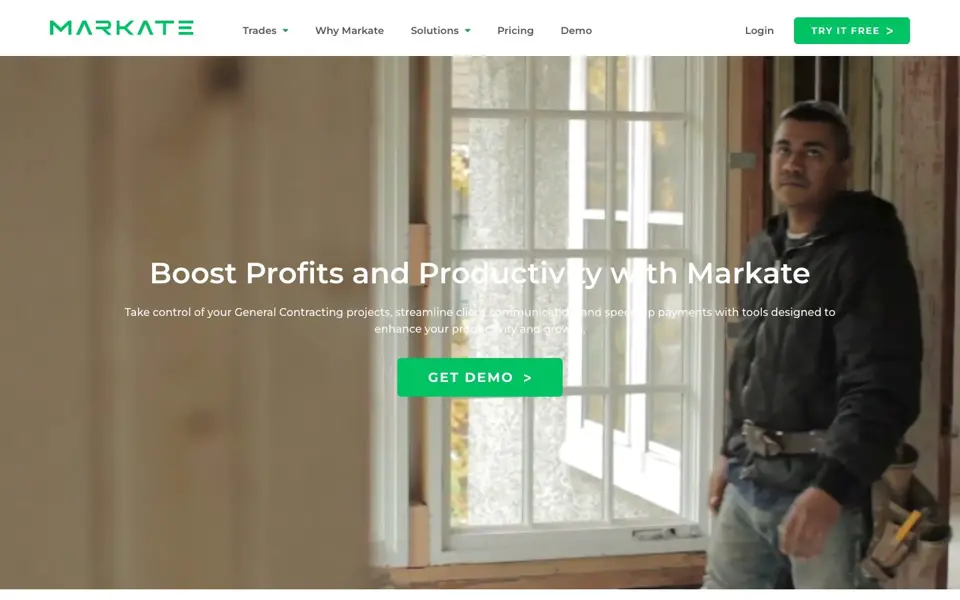
Markate page for general contractor, as captured November 2026
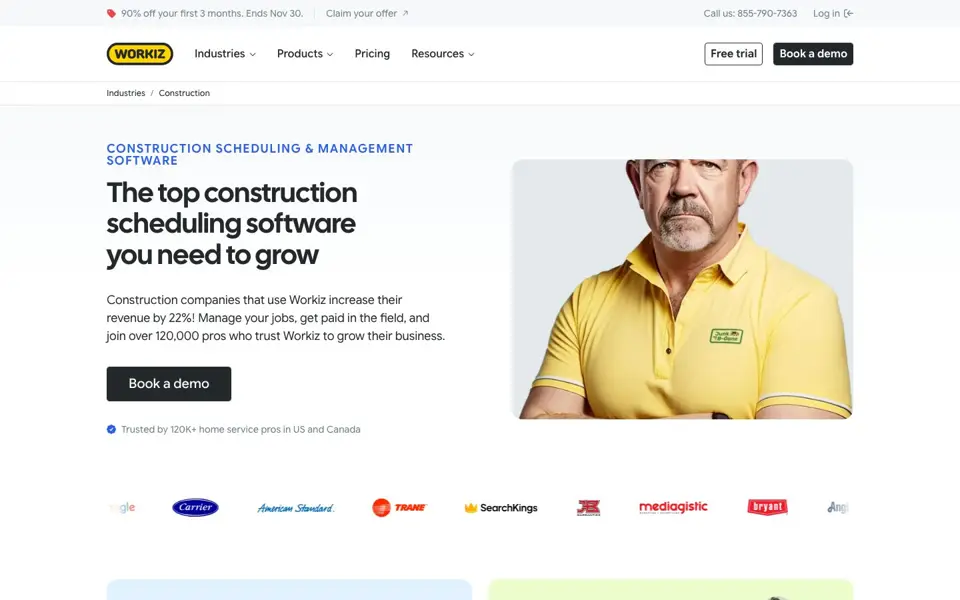
Workiz publishes a general contractor page. These sentences on it also appear on its pages for other trades, with only the trade word changed. We replaced the trade word with a marker so you can see it.
workiz [trade] business management software fully integrates with quickbooks, an app that automatically syncs invoices, customers, and payments for you to keep track of your business records and stay in control of your finances.
fully customizable for the [trade] industry, workiz is a [trade] management software that schedules, dispatches, and does many other business-related tasks for you, putting control of your entire business at your fingertips.
workiz is the only [trade] management platform that fully integrates with angi, thumbtack, and google’s local services ads – all online lead sources that are essential to any service pro, [trade] repairmen included.
Clients change their minds every week on a remodel. If the extra tile or the moved wall is not written up and signed before the crew does it, you eat the cost or fight about it at the final bill. A real tool ties each change order to the project, updates the contract total and gets a signature from the client's phone.
Demo test. Ask them to add a change order to a live project and show how the contract total and the next draw update.
Draw Schedules And Progress Billing
Contractors get paid in draws tied to phases like demo, rough in and finish. A generic invoice tool makes you build each bill by hand and lose track of what was already billed. Without draw tracking you either bill twice or forget a phase, and both cost you trust or cash.
Demo test. Have them set up a five draw schedule and bill the second draw at 60 percent complete.
Sub Scheduling And Sub Portal
A project lives or dies on subs showing up in order. The drywall crew cannot come before rough inspection passes. You need a schedule where each sub sees only their dates, gets a text when something slips, and confirms. Without it you spend every morning on the phone moving people around.
Demo test. Move the plumbing rough in back three days and see if the follow on trades shift and get notified.
Job Costing By Phase
You need to know if a project is making money while it is still running, not after. That means budget versus actual for labor, materials and each sub, broken out by phase. A generic CRM tracks the sale price and nothing after it, so you find out you lost money when the job is already done.
Demo test. Ask to see budget versus actual on a project with two material receipts and one sub bill entered.
Lien Waivers And Sub Paperwork
Before you pay a sub you need their lien waiver, and before they start you need their insurance certificate on file. Miss one and the homeowner can get a lien on their house, which lands on you. The tool should hold these documents per sub and warn you when one is missing or expired.
Demo test. Try to mark a sub bill paid with no waiver attached and see if the system stops you.
Selections And Allowances
Clients pick tile, fixtures, cabinets and paint, often with an allowance in the contract. If those picks live in texts and emails, the wrong vanity gets ordered and nobody can prove what was chosen. The tool needs a place for each selection, its price against the allowance, and a client sign off.
Demo test. Ask them to show a client choosing a faucet that goes over its allowance and how the overage gets billed.
Signs It Is Generic
Calls a project a deal and moves it through a sales pipeline that ends at closed won
No way to bill in draws, only one invoice per job
Treats subcontractors as contacts with no insurance, waiver or schedule fields
Change orders are just notes, not signed documents that change the contract total
Talks about lead scoring more than anything that happens after the contract is signed
Systems It Should Connect To
QuickBooks Online
QuickBooks Desktop
Xero
CompanyCam
Procore
Home Depot Pro
Lowe's Pro
DocuSign
Gusto
Stripe
What It Costs
General contractor software is often priced by user or by tier, with tiers set by the number of active projects or features like job costing and client portals. Many vendors charge setup or onboarding fees and want an annual contract. Subs and clients are usually free to add as viewers, but ask. Payment processing for card and bank payments on draws is billed on top of the subscription.
Tradesmen Reviews
Public threads where general contractor owners and techs talk about the CRMs they run. Each links to the original so you read it in their words.
Monthly Google searches in the United States, {SEEN}. Cost is what advertisers pay per click, which shows how hard vendors fight for that search.
Search
Per month
Ad cost per click
construction estimating software
8,100
$46.06
construction management software
6,600
$103.29
construction software
5,400
$75.03
contractors management software
2,900
$265.01
construction scheduling software
1,600
$86.27
construction crm
720
$100.52
contractors software
720
$67.86
crm for construction
720
$100.52
general contractor software
720
$67.86
construction crm software
390
$61.23
contractors crm
390
$105.71
crm for contractors
390
$105.71
Questions People Ask
What is the best CRM for general contractors?
The best one is the one that handles the work after the sale. Look for change orders with signatures, draw billing, sub scheduling, and job costing by phase. A lot of tools are good at chasing leads but fall apart once the project starts. Make every vendor show you a project from estimate to final payment with a change order in the middle.
Do general contractors need project management software or a CRM?
Most small to midsize contractors need one tool that does both. The CRM part tracks leads, estimates and clients. The project part handles schedules, subs, change orders and billing. If you split them into two systems, someone retypes everything and things fall through the gap between them. Buy the combined tool unless you already run large commercial jobs.
How do I track change orders on a remodel?
Write every change as its own document tied to the project, with the price, the scope and the effect on the schedule. Get the client to sign it before the crew does the work. Good software adds the signed change to the contract total and the next draw automatically, so the final bill matches what everyone agreed to.
Can contractor software handle progress billing and retainage?
Some can and many cannot. Ask to see a draw schedule set up by phase or by percent complete, and ask how retainage is held and released at the end. If the answer is that you make a custom invoice each time, that tool was built for service calls, not projects, and you will do the math by hand.
How do I get subcontractors to use my scheduling software?
Keep it simple for them. Subs will not learn a full app for your jobs. The tool should send them a text with their dates and a link to confirm, with no login needed. They should see only their part of the schedule. If it takes more than a tap to confirm, most subs will just call you instead.
What should contractor software cost?
It varies a lot by how many users and projects you run. Some tools charge per user, some charge a flat monthly fee with a cap on active projects, and the bigger platforms quote you after a demo. Count the office staff, project managers and field leads who need a login, then ask what subs and clients cost to add.