ResponsiBid
Built For This Trade- PriceFrom $179
Carpet Cleaning CRM and software, checked November 2026
1 CRMs built only for carpet cleaning and 7 multi trade CRMs that publish a carpet cleaning page. We compared each carpet cleaning page against the same vendor's other trade pages. 3 of 7 read like the same page with the trade name swapped.
A customer calls or books online and says how many rooms, stairs or rugs they want cleaned. Some add upholstery, tile and grout, or pet odor treatment. You price by room, by square foot or by area, often with a minimum charge. The job goes on the schedule in an arrival window, grouped by area so the truck mount van is not crossing town all day. Before the visit you text a reminder telling them to move small items and secure pets. On site the tech walks the rooms, notes stains and wear, and confirms the price. Customers often add a hallway or a couch once they see the first room, so the ticket grows. The tech cleans, applies any protector, and collects payment. Carpet cleaning is repeat work, so the real money is in reminding each customer every six to twelve months and getting reviews after each job.
These tools were made for carpet cleaning businesses first. Their screens use your words, not sales words.
Each of these sells to many trades and has a page aimed at carpet cleaning. We screenshot that page and compare its text with the same company's pages for other trades. Sorted from most real to most swapped.
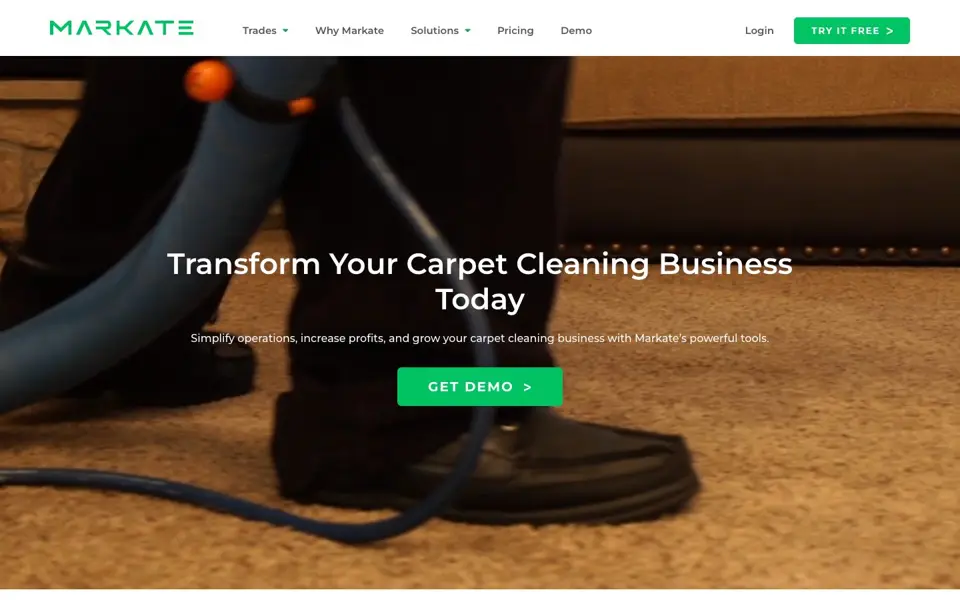
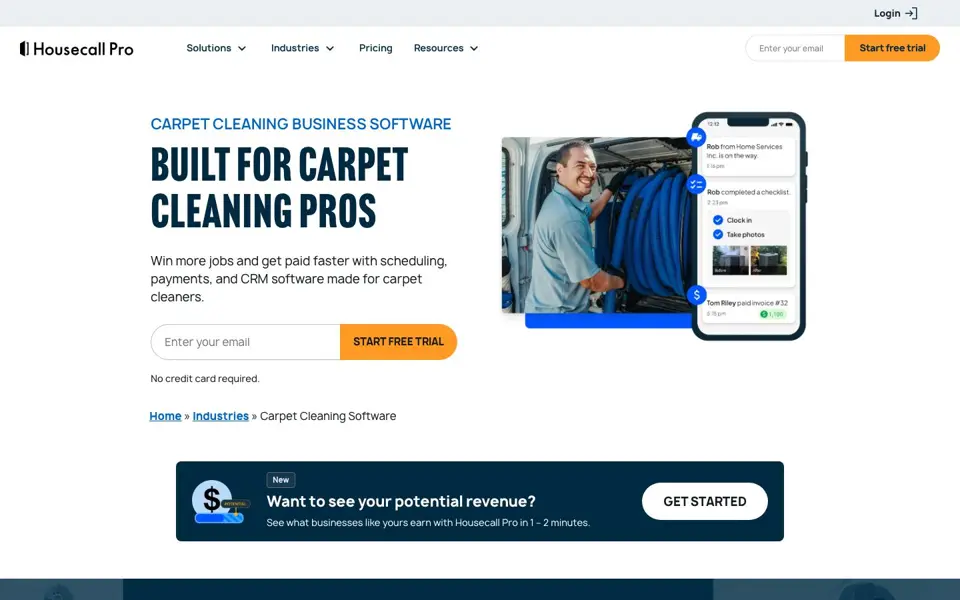
Their headline for this trade, Carpet Cleaning Business Software
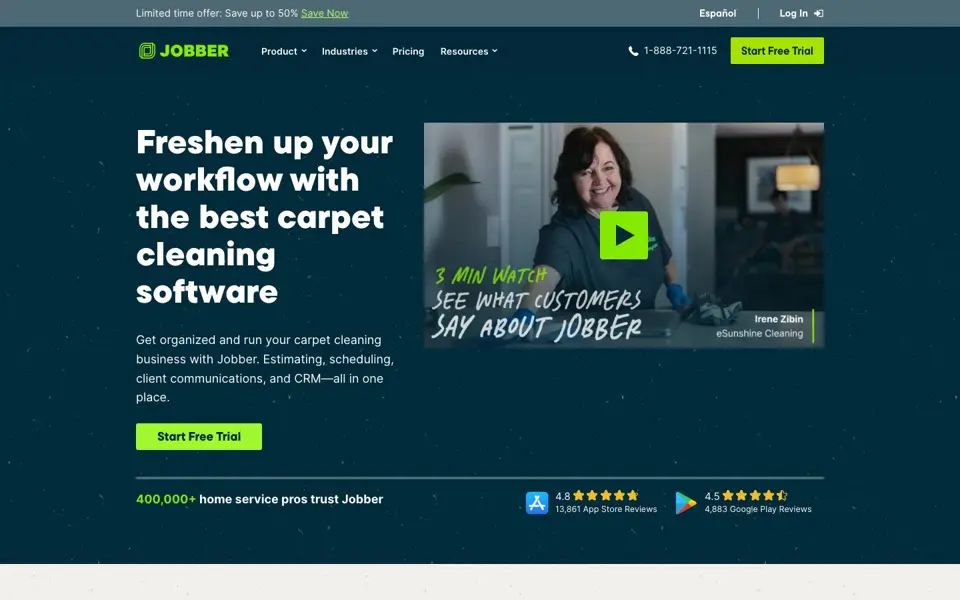
Their headline for this trade, Freshen up your workflow with the best carpet cleaning software
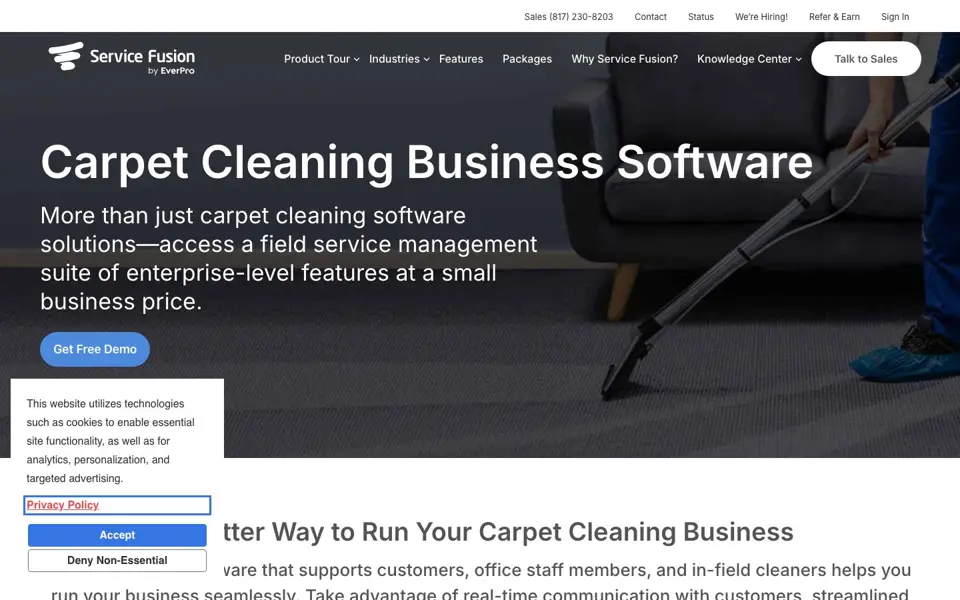
Their headline for this trade, Carpet Cleaning Business Software
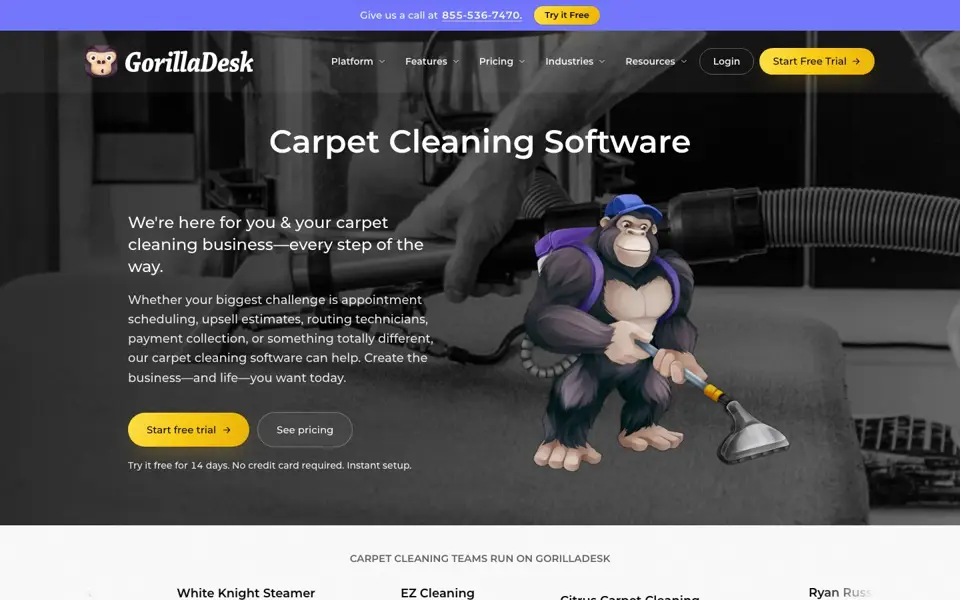
Their headline for this trade, Carpet Cleaning Software
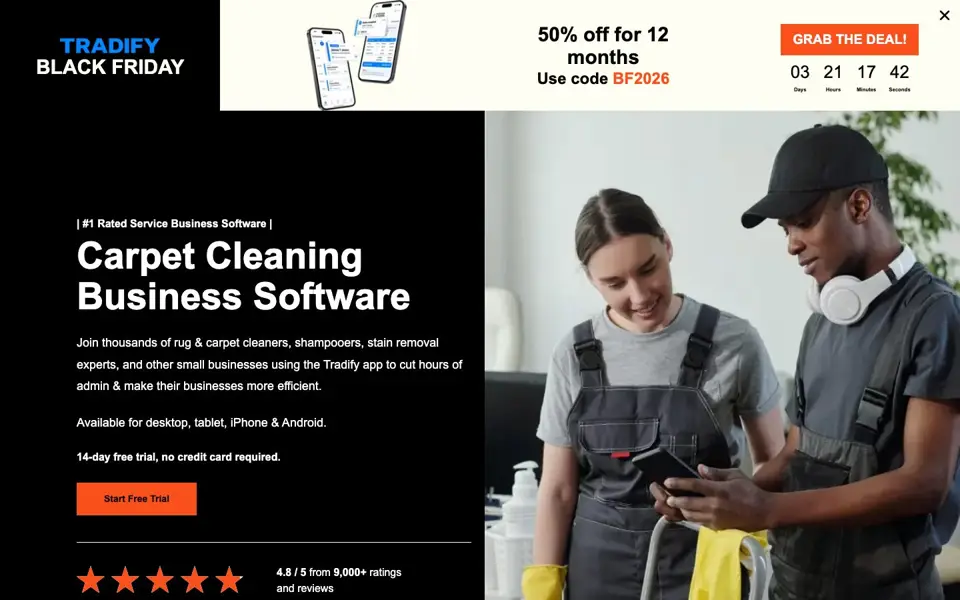
Their headline for this trade, #1 Rated Service Business Software | Carpet Cleaning Business Software
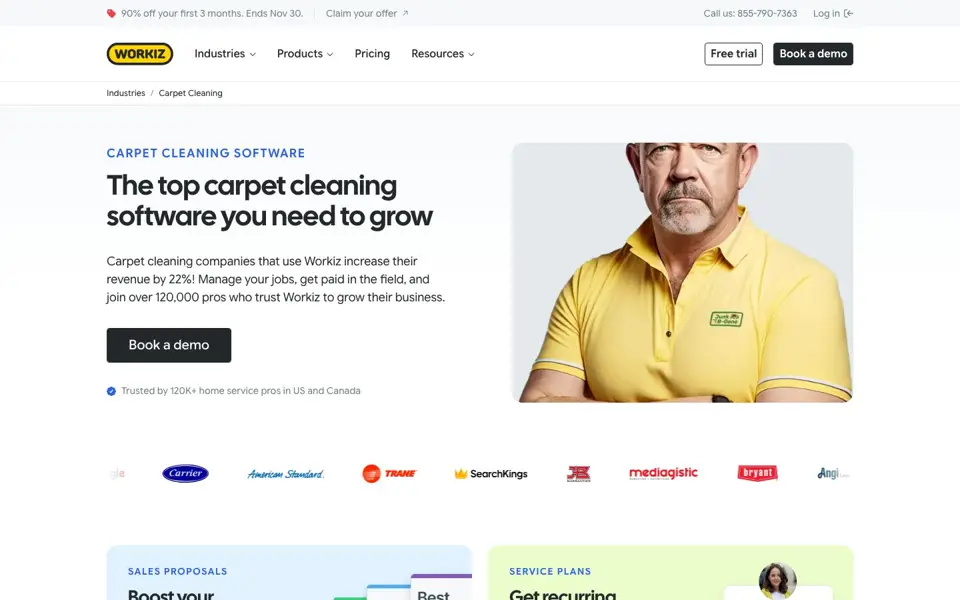
Their headline for this trade, Carpet Cleaning Software
Workiz publishes a carpet cleaning page. These sentences on it also appear on its pages for other trades, with only the trade word changed. We replaced the trade word with a marker so you can see it.
Carpet cleaners price by room, square foot, stair count and rug size, with add ons like protector and pet treatment. A generic tool makes you type each line by hand. You need saved prices for rooms and add ons so the tech can build and change the ticket in front of the customer.
Demo test. Price three rooms, a stairway and a protector add on, then add a couch on site and show the new total.
Protector, deodorizer and upholstery are where the margin is. If the tech does not see them as options on the ticket, they forget to offer them. The tool should show add ons right in the job screen so every tech offers the same things the same way.
Demo test. Ask to see the job screen a tech uses and whether add ons appear without searching.
Most customers need cleaning again in six to twelve months, but they will not call you on their own. A tool that sends automatic reminders based on the last job date brings that work back. Without it, you pay for new ads to find people who already liked you.
Demo test. Check if a reminder can be set to go out nine months after a completed job with a booking link.
A truck mount van is slow and costly to drive around. Grouping jobs by area each day saves fuel and fits more jobs in. The schedule should show the jobs on a map so the office can book a new call on a day the van is already nearby.
Demo test. Ask the office booking screen to suggest days when a van is already near a new address.
Customers need to move small furniture, pick things off the floor and put pets away. If they do not know, the tech loses time on site. An automatic text the day before with the prep steps saves time on almost every job.
Demo test. See if a prep checklist text goes out automatically the day before a booking.
Some stains will not come out and some carpet is already worn. If the tech does not note and photo that before cleaning, the customer blames you afterward. The tool needs before photos and notes tied to the job and visible to the customer.
Demo test. Take a before photo in the app and check that it shows on the customer's invoice or job record.
Carpet cleaning software is usually priced per user or per van each month. Lower tiers cover scheduling and invoicing, and higher tiers add online booking, reminders and marketing campaigns. Text message limits and card processing fees are usually extra. Some tools built for cleaners charge more for the cleaner specific price book, so check which plan includes room pricing and recall reminders.
We have no public carpet cleaning threads logged yet.
Monthly Google searches in the United States, {SEEN}. Cost is what advertisers pay per click, which shows how hard vendors fight for that search.
| Search | Per month | Ad cost per click |
|---|---|---|
| carpet cleaning software | 70 | $42.42 |
| carpet cleaning business software | 30 | |
| carpet cleaning scheduling software | 20 | $204.80 |
| best carpet cleaning software | 10 | |
| carpet cleaning crm | 10 | $69.57 |
| carpet cleaning estimating software | 10 | |
| carpet cleaning invoicing software | 10 | |
| carpet cleaning management software | 10 |
Look for a tool with room and square foot pricing, add ons on the ticket, recall reminders, and area based scheduling. Those are the parts that make carpet cleaning money. Many general field service tools can do the basics, so test how fast a tech can build and change a ticket on site.
Most cleaners send a reminder somewhere between six and twelve months after the last job, depending on pets, kids and traffic. Your software should let you set different timing by customer type. A short text with a booking link usually works better than a long email. Homes with pets or small kids usually need it sooner.
Common ways are per room with a size limit, per square foot, or by area. Stairs, rugs and upholstery are priced separately, and protector or deodorizer are add ons. Most set a minimum charge. Whatever you choose, store it in your software so every tech quotes the same. Show the price on the ticket before you start.
Yes. A good booking form asks for room count, stairs and add ons, shows a price range, and offers arrival windows based on where your vans already are. Make it clear the final price is confirmed on site. Bookings should go right onto the schedule with the prep text set up.
Ask right after the job, while the carpet still looks great. Software that sends a review request when the payment clears makes this happen every time without the tech remembering. Point the link straight to your Google Business Profile so the customer has one step to leave it. Reply to every review so new customers see you care.
No. One tool should handle both on the same ticket with separate prices. If a tool cannot mix rooms, rugs and couches on one job, it was not made for cleaners. You also want one customer record so upholstery jobs count toward reminders and history. Two tools means two bills and double entry.