Restoration CRM and software, checked November 2026
CRM For Restoration
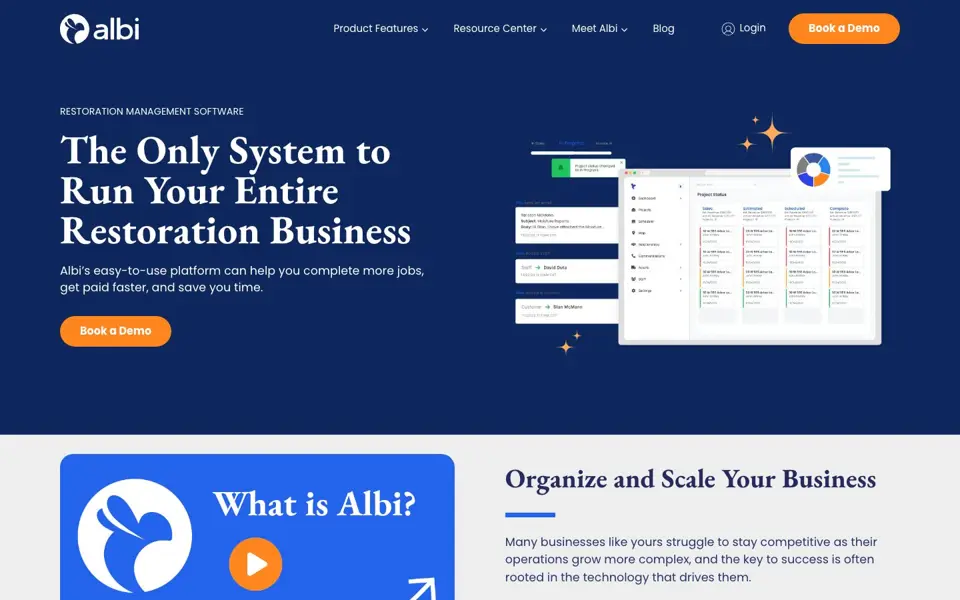
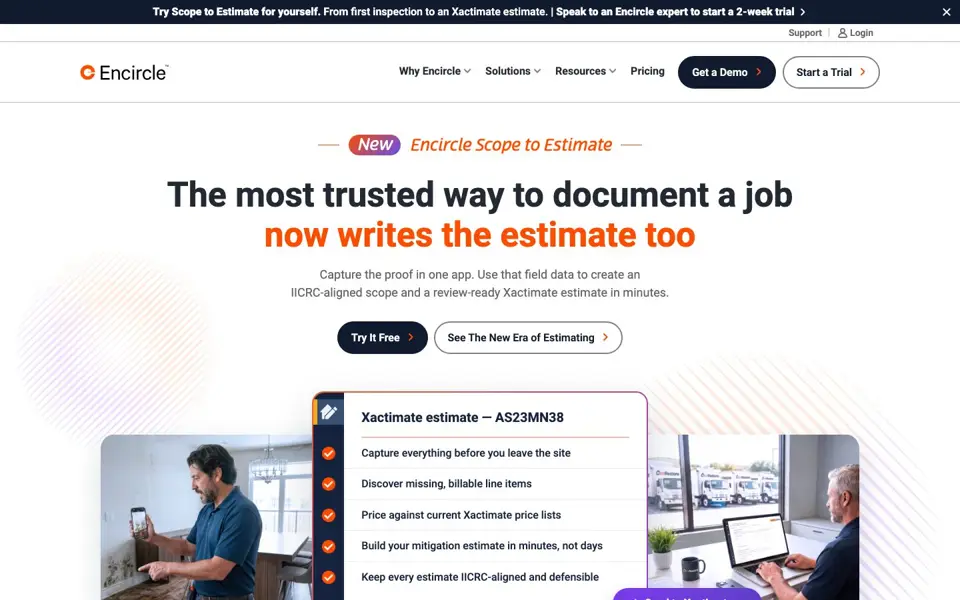
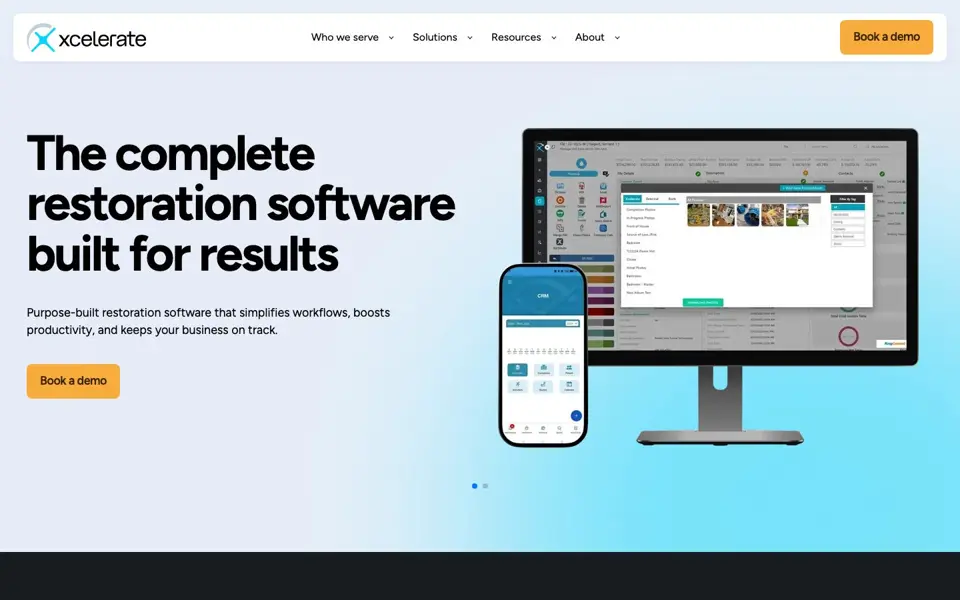
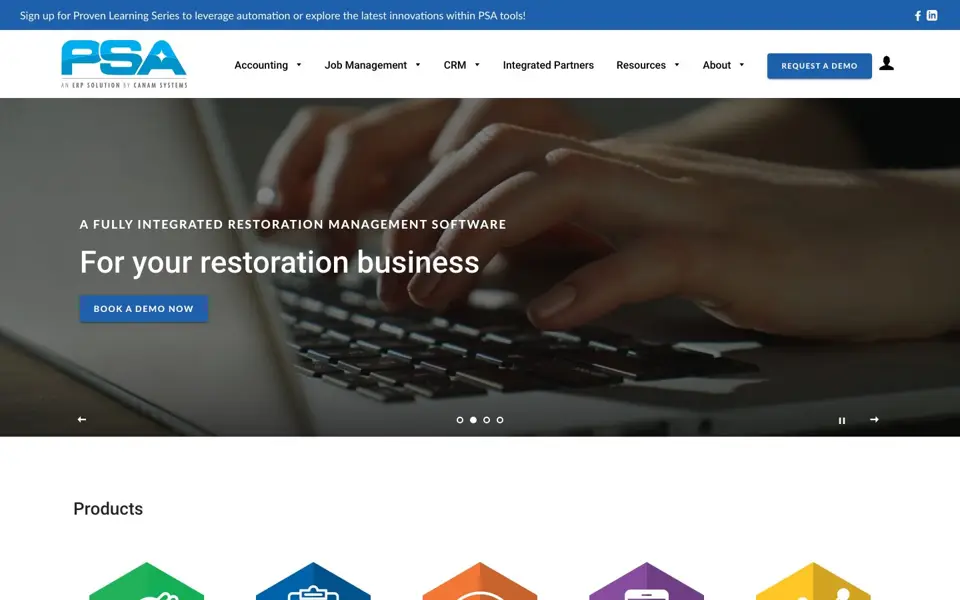
5 CRMs built only for restoration and 6 multi trade CRMs that publish a restoration page. We compared each restoration page against the same vendor's other trade pages. 3 of 6 read like the same page with the trade name swapped.
Built for the trade
5
Generic vendors with a page
6
Pages that were swapped
3 of 6
Top search
restoration software, 110 a month
How A Restoration Job Actually Moves
The call comes in at any hour. A pipe burst, a roof leaked, there was a fire, or mold showed up. The office gets the address, the insurance carrier and the claim number if they have one. A crew goes out fast for emergency service, takes photos, maps moisture, and starts extraction, drying or board up. The customer signs a work authorization and often an assignment of benefits where state law allows. Drying equipment gets set, and techs log moisture readings every day until materials are dry. Meanwhile the estimate is written in the format the insurance company uses, with line items and photos to back up every charge. The adjuster reviews it, pushes back, and you send supplements. Rebuild work may follow as a second job. Payment comes from the insurance carrier, often with the mortgage company on the check, plus the customer's deductible. Collections can take months.
Built For Restoration
These tools were made for restoration businesses first. Their screens use your words, not sales words.
Each of these sells to many trades and has a page aimed at restoration. We screenshot that page and compare its text with the same company's pages for other trades. Sorted from most real to most swapped.
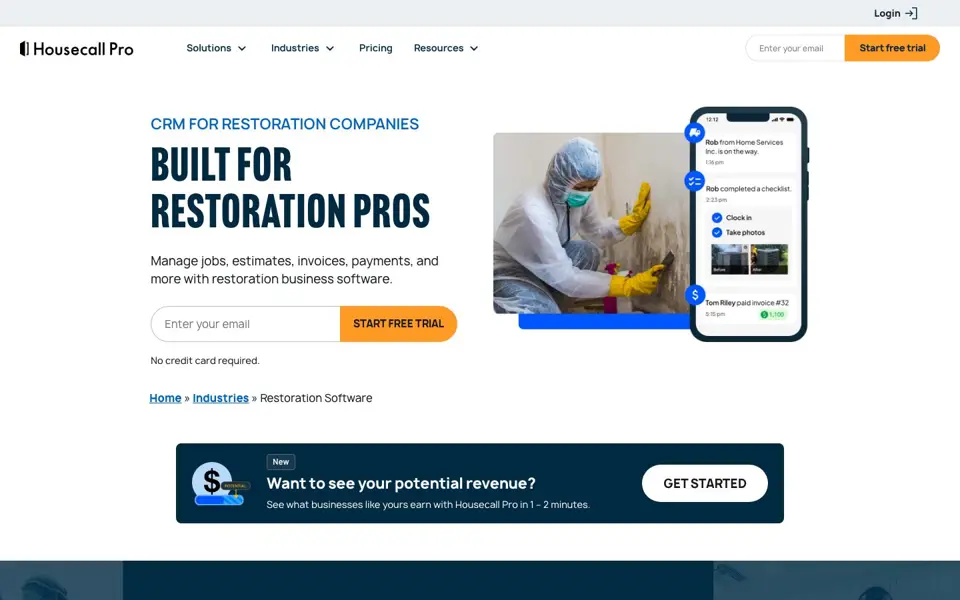
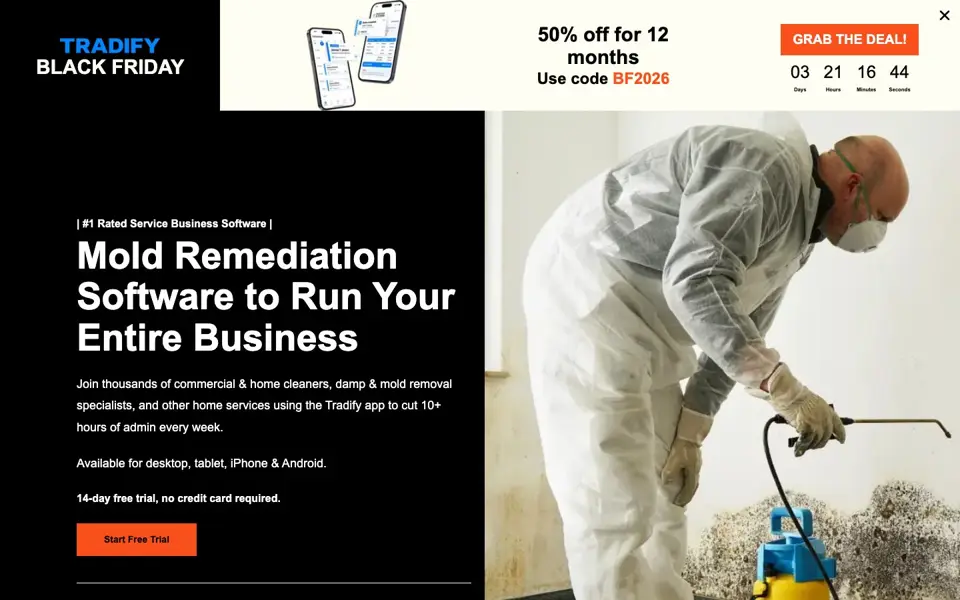
Housecall Pro page for restoration, as captured November 2026
Workiz publishes a restoration page. These sentences on it also appear on its pages for other trades, with only the trade word changed. We replaced the trade word with a marker so you can see it.
workiz [trade] business management software fully integrates with quickbooks, an app that automatically syncs invoices, customers, and payments for you to keep track of your business records and stay in control of your finances.
fully customizable for the [trade] industry, workiz is a [trade] management software that schedules, dispatches, and does many other business-related tasks for you, putting control of your entire business at your fingertips.
workiz is the only [trade] management platform that fully integrates with angi, thumbtack, and google’s local services ads – all online lead sources that are essential to any service pro, [trade] repairmen included.
Every restoration job is tied to a carrier, a claim number, a policy, an adjuster and often a third party administrator. A generic CRM has none of those fields. Without them you lose track of who to call, what was approved and why a check has not shown up.
Demo test. Create a job with carrier, claim number, adjuster and deductible and show where each is used.
Moisture Logs And Drying Records
Insurance pays for drying when you can prove it. Techs need to log moisture readings by room and material every day, plus equipment placed and removed. Without daily logs, adjusters cut equipment days and you lose money on work you did.
Demo test. Enter two days of moisture readings for one room and show the drying chart.
Estimating Platform Sync
Most carriers expect estimates in their estimating platform with their price list. If your job system does not pass photos, notes and job data to that platform, someone retypes it all. That costs hours per claim and causes errors adjusters use to deny charges.
Demo test. Ask to see a job push data and photos to the estimating platform and pull the estimate back.
Signed Authorizations And Documents
Work authorizations, assignment of benefits where allowed, certificates of completion and change orders all need signatures and dates. When a carrier or customer disputes the bill, these documents decide who gets paid. They must live on the job, signed and time stamped.
Demo test. Send a work authorization for signature from the field and show it filed on the job.
Photo Documentation By Room
Adjusters want photos that prove the damage, each step of the work and the final result. Photos need to be organized by room and date and tied to the claim. Photos scattered across tech phones mean lost supplements and denied line items.
Demo test. Take photos in the app tagged to a room and see them grouped on the claim.
Accounts Receivable By Carrier
Restoration money often takes months to arrive and comes from carriers, mortgage companies and customers. You need receivables aged by carrier and adjuster, with notes on each call. Without it, old claims are forgotten and cash dries up. Weekly follow up on that report keeps money moving.
Demo test. Ask to see an aging report grouped by insurance carrier with follow up notes.
After Hours Emergency Dispatch
Water and fire losses happen at night and on weekends. The tool needs an on call schedule, a way to push a new loss to the right tech, and a record of response time. Slow response loses the job to another company and can hurt your standing with carriers.
Demo test. Create an after hours loss and show how the on call tech gets notified.
Signs It Is Generic
Calls a claim a deal and has no carrier or claim number fields
No moisture logging or drying equipment tracking
Treats insurance as just another customer to invoice
No way to send estimates to an insurance estimating platform
Only sends one invoice to one customer per job
Systems It Should Connect To
Xactimate
XactAnalysis
Symbility
CoreLogic
Encircle
DocuSketch
Matterport
CompanyCam
QuickBooks Online
Restoration Manager
What It Costs
Restoration software is usually priced per user or per office each month, often with annual contracts and setup or data import fees. Estimating platforms like the ones carriers use are a separate subscription. Field apps for moisture logs, sketches and 3D scans may also be priced separately. Ask how field techs are counted and whether claim volume affects the price.
Monthly Google searches in the United States, {SEEN}. Cost is what advertisers pay per click, which shows how hard vendors fight for that search.
Search
Per month
Ad cost per click
restoration software
110
$24.55
restoration management software
50
$26.48
restoration crm
40
$55.09
restoration crm software
20
$152.94
restoration estimating software
20
best restoration software
10
water damage estimating software
10
$38.03
water damage software
10
$25.22
Questions People Ask
What software do restoration companies use?
Restoration companies use job management software built for insurance work, plus an estimating platform the carriers accept. They also use field apps for moisture logs, photos and room sketches. A generic CRM cannot hold claim details, drying records or carrier receivables, so most owners pick a restoration specific job system first.
Does restoration software work with Xactimate?
Many restoration job tools connect with Xactimate or similar platforms, but the depth varies. Some just attach a file, others send photos and job data and pull the estimate back. Ask for a live demo of the connection with a real claim, since retyping between systems is where errors and lost money happen.
How do I document water damage drying for insurance?
Log moisture readings by room and material at setup and every day after, with photos of the meter and the equipment in place. Record when each piece of equipment goes in and comes out. Software that builds drying charts from those logs gives adjusters the proof they want for equipment days.
How do restoration companies get paid faster by insurance?
Send a clean estimate with photos and drying logs that back up every line, answer adjuster questions fast, and follow up on aging claims every week. Software that tracks receivables by carrier and adjuster and logs each call helps stop claims from sitting for months without anyone noticing. Collect the deductible from the customer early.
Can restoration software handle mitigation and rebuild as separate jobs?
Good tools link mitigation and rebuild under one claim while keeping separate estimates, schedules and invoices. That way the carrier sees two clear bills, and you see profit on each phase. If the tool forces both into one job or two unlinked jobs, tracking the claim gets messy. Ask to see a linked claim in the demo.
Do restoration companies need a CRM for referrals?
Yes. Plumbers, property managers, agents and adjusters send a lot of restoration work. Track who referred each job, how much it paid, and when you last talked to them. Many restoration job tools include this. Without it, you cannot tell which referral partners are worth your time. Thank the good ones often and keep them updated on their jobs.