Markate
Written For The Trade- PriceFrom $5.00 per employee/month plus base price monthly or yearly
- Sentences shared with its other trade pages0 percent
- Real handyman terms on the page0
Handyman CRM and software, checked November 2026
11 multi trade CRMs that publish a handyman page. We compared each handyman page against the same vendor's other trade pages. 3 of 10 read like the same page with the trade name swapped.
A customer calls or texts with a list. Hang two doors, fix a leaky faucet, patch some drywall, mount a TV. Half the time they send photos. You give a price over the phone or book a short visit to look. Most handyman work is either a flat price per task or hourly with a minimum. You book the visit into a day that already has three or four other stops, so drive time matters. On site the list grows. The customer asks you to look at a sticky window too, so you add it and tell them the new price before you do it. You may need to run to the hardware store for parts and add them to the bill. When you finish you take before and after photos, collect payment on the spot by card or a text link, and ask for a review. Many customers become repeat clients with a new list every few months.
We did not find a CRM built only for handyman. The generic tools below are what owners use, so check them against the list of must haves.
Each of these sells to many trades and has a page aimed at handyman. We screenshot that page and compare its text with the same company's pages for other trades. Sorted from most real to most swapped.
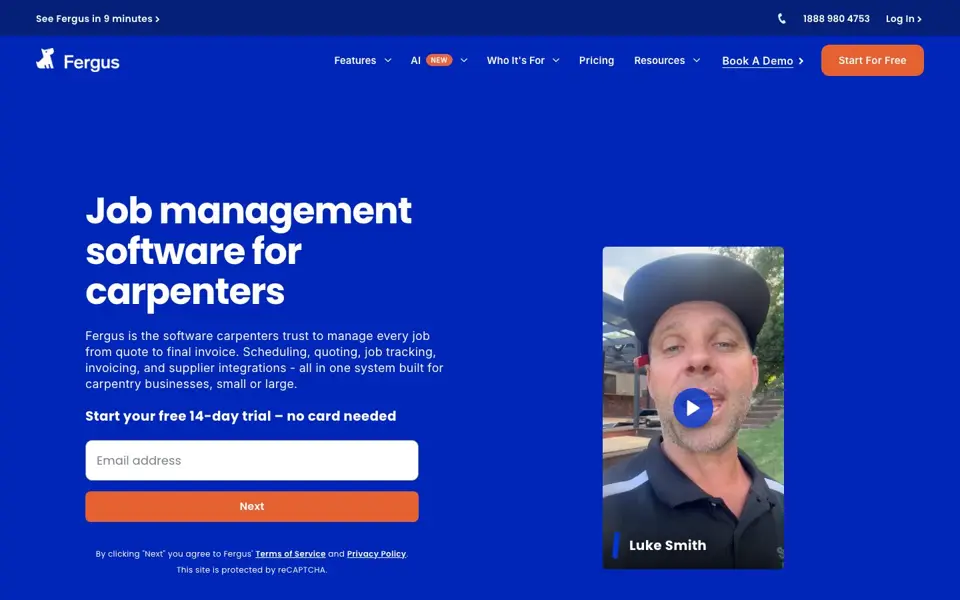
Their headline for this trade, Job management software for carpenters

Their headline for this trade, HANDYMAN BUSINESS SOFTWARE
Their headline for this trade, All-in-one handyman business software
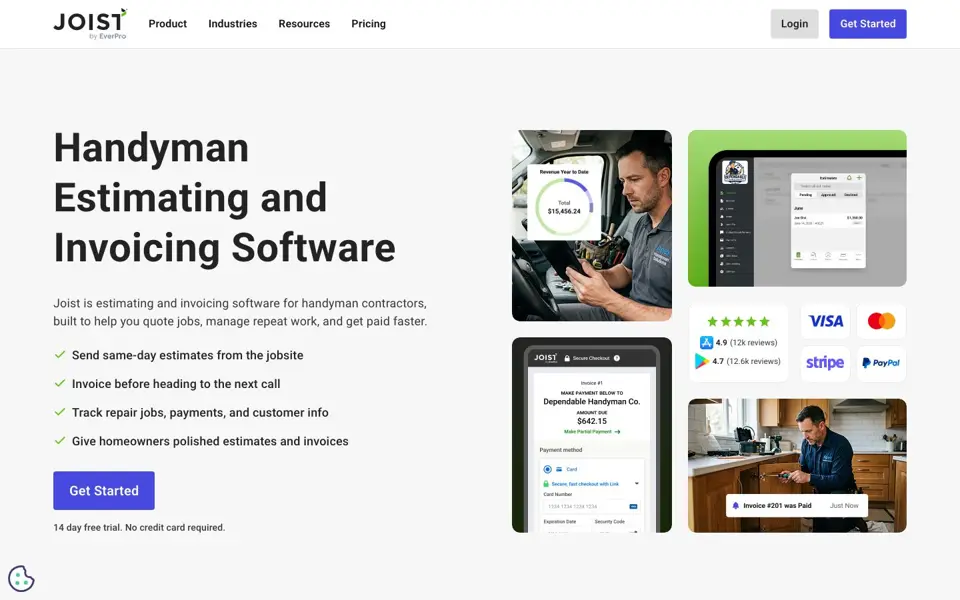
Their headline for this trade, Handyman Estimating and Invoicing Software
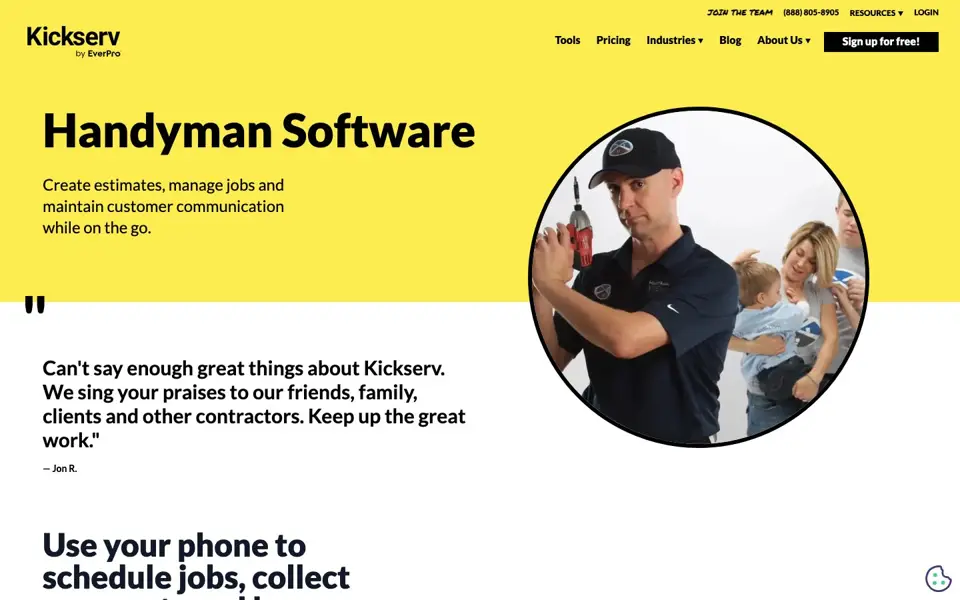
Their headline for this trade, Handyman Software
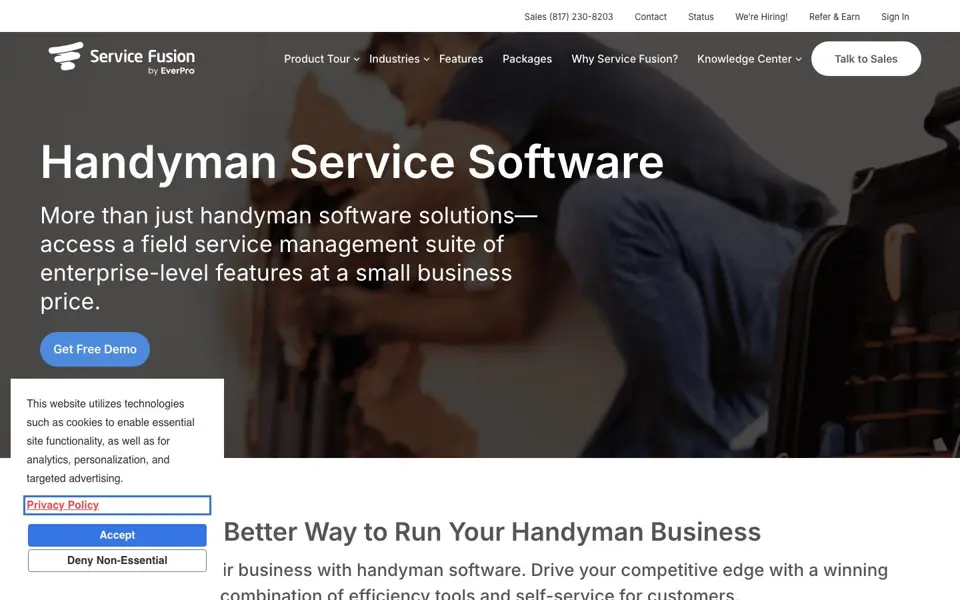
Their headline for this trade, Handyman Service Software

Their headline for this trade, HANDYMAN BUSINESS SOFTWARE
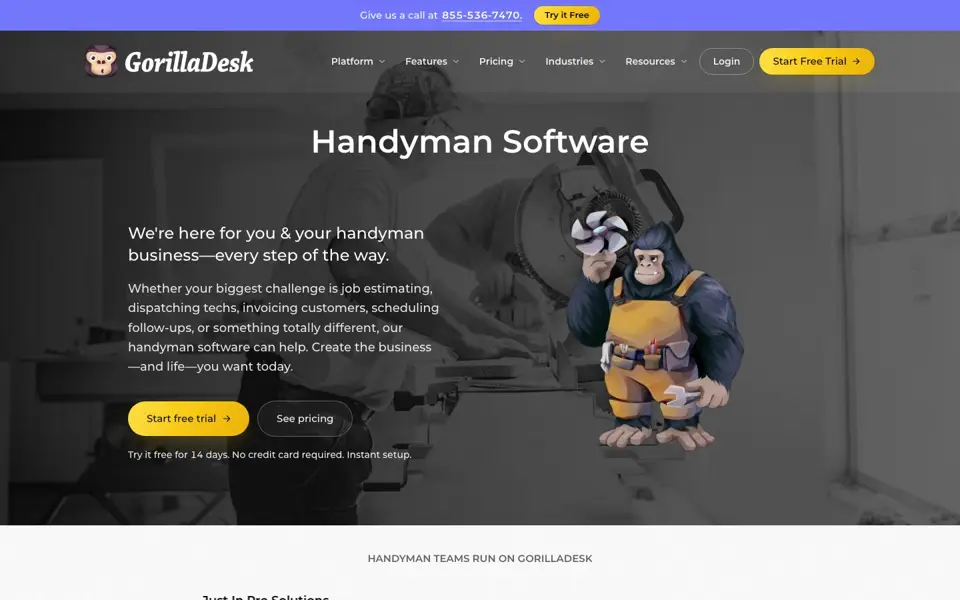
Their headline for this trade, Handyman Software
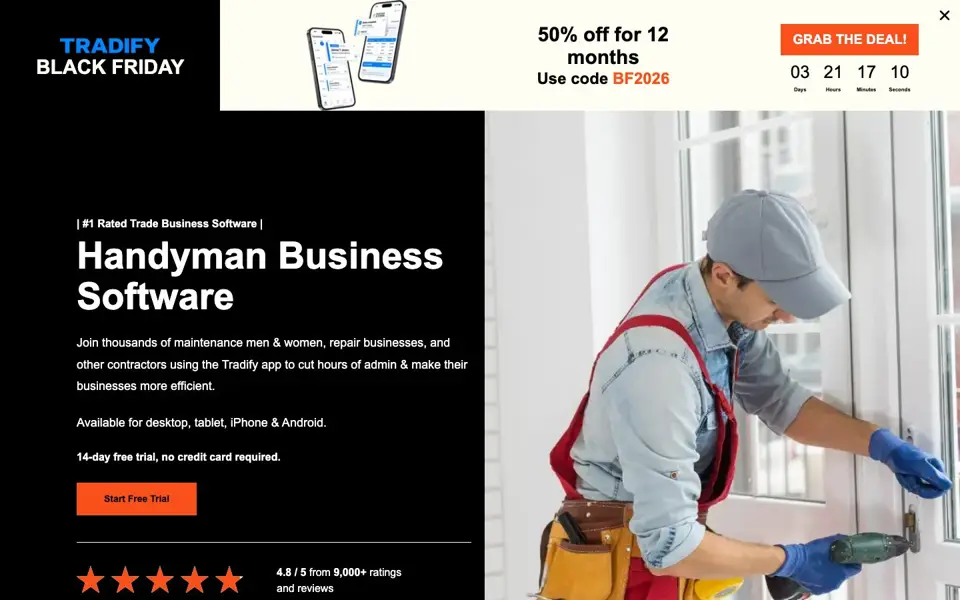
Their headline for this trade, #1 Rated Trade Business Software | Handyman Business Software
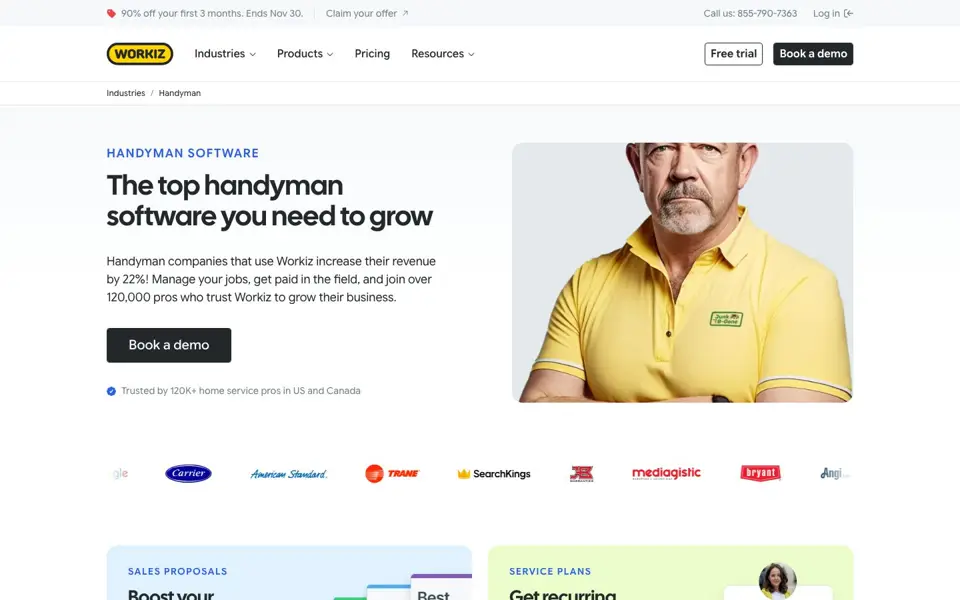
Their headline for this trade, Handyman Software
Workiz publishes a handyman page. These sentences on it also appear on its pages for other trades, with only the trade word changed. We replaced the trade word with a marker so you can see it.
A handyman visit is rarely one thing. It is five small tasks on one ticket, each with its own price or time. Tools built for one service per job make you lump it all together, and then the customer argues about the total. You need line items you can add on site while the customer watches.
Demo test. Build a job with four separate tasks, then add a fifth from the phone and show the customer the new total.
Most handymen price common work by the task, like mount a TV or swap a toilet. A price book lets you quote fast and charge the same every time. Without one you guess on every call, undercharge when you are tired, and give two neighbors two different prices for the same thing.
Demo test. Ask them to pull up a saved price for a task and drop it onto a job in under ten seconds.
Customers text pictures of the problem and ask how much. If those photos sit on your personal phone, they never make it to the job record. The tool should take a text with photos, attach them to the customer, and let you reply with a quote they can approve from the same thread.
Demo test. Text a photo to their demo number and see where it lands and if you can quote from it.
You run several small jobs a day across town. If the schedule does not show them on a map in order, you burn an hour driving back and forth. A good tool shows the day as a route and lets you slot a new call where it fits instead of just the next open time.
Demo test. Add a new job to a day with four stops and see if it suggests where it fits on the route.
You make store runs mid job for a part you did not know you needed. That cost has to land on the bill with your markup. If you have to remember it later, you forget half of it. You need a way to snap the receipt and add the material to the open job right there.
Demo test. Take a photo of a receipt in the app and check that it adds a line to the job with markup.
Small jobs need to be paid before you leave the driveway. Chasing a hundred dollar invoice for two weeks costs more than it is worth. The tool should take a card on your phone or text a pay link, then send a review request right after the payment clears.
Demo test. Close a job, take a test card payment and see when the review request goes out.
Handyman tools are usually priced per user per month, with a cheaper plan for one person and higher tiers that add online booking, marketing texts or more users. Some charge extra for text messages past a monthly limit. Card payments carry processing fees on top. Watch for plans that hide the price book or payments behind the top tier, since those are the features a handyman uses most.
We have no public handyman threads logged yet.
Monthly Google searches in the United States, {SEEN}. Cost is what advertisers pay per click, which shows how hard vendors fight for that search.
| Search | Per month | Ad cost per click |
|---|---|---|
| handyman software | 140 | $42.88 |
| handyman business software | 70 | $64.26 |
| handyman crm | 50 | $66.81 |
| handyman estimating software | 50 | $44.08 |
| handyman invoicing software | 50 | $51.46 |
| handyman crm software | 30 | $52.22 |
| best handyman software | 20 | $38.53 |
| crm for handyman | 20 | $57.44 |
| handyman management software | 20 | |
| handyman scheduling software | 20 | $41.19 |
| best crm for handyman | 10 | $101.58 |
Pick one that works well on a phone, because that is where you will run it. It should handle jobs with many small tasks, a saved price list, photo quotes from texts, card payments on site, and review requests. Skip anything that needs a desktop to make a quote or that charges for features built for big crews.
Many do both. Common jobs get a flat price so customers know the cost up front, and odd jobs go hourly with a minimum. Your software should handle both on the same ticket. If it only does one, you will end up faking the other with notes, and the invoice will confuse the customer.
Some tools have free tiers for one user, but they usually cap jobs, remove online payments or skip texting. That can work when you are just starting. Once you run more than a few jobs a week, the time lost on manual reminders and chasing payment is worth more than a monthly fee.
Use a tool with a saved price list. Pick the tasks, add any materials, and text the estimate as a link the customer can approve. Good apps let you attach the photos they sent you, so the customer sees exactly what you are quoting. Approval should turn the estimate into a scheduled job with no retyping.
Keep every past job on the customer's record and follow up. A text a few months later asking if they have a new list works well. Software that tags customers by what you did, like gutters or fall maintenance, lets you send a short seasonal reminder to the right people instead of blasting everyone.
You need something that keeps your customers, quotes, schedule and payments in one place. Call it a CRM or a job app, the name does not matter. What matters is that you stop losing quotes in your texts and stop forgetting to bill for materials. A simple single user plan is usually enough.