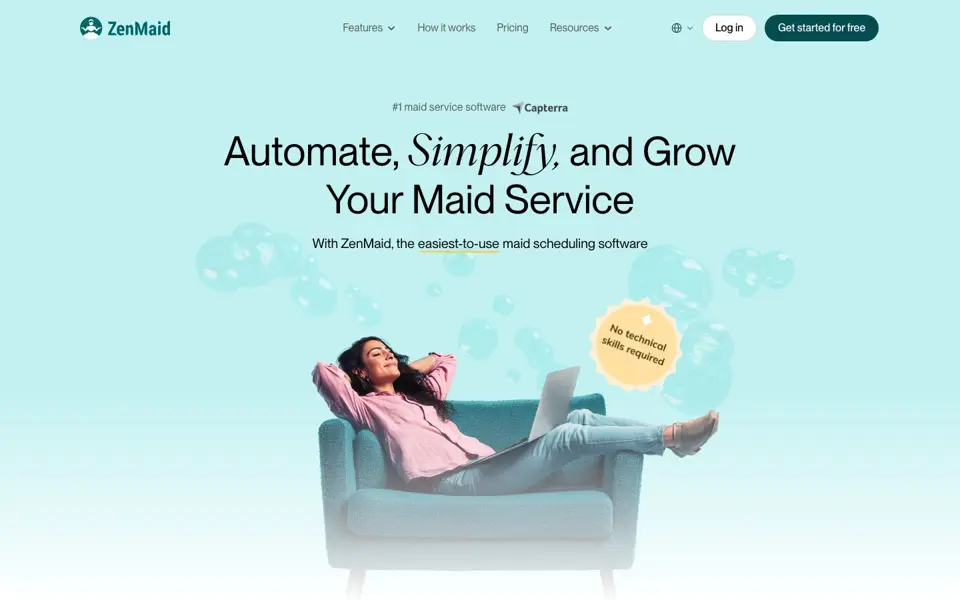
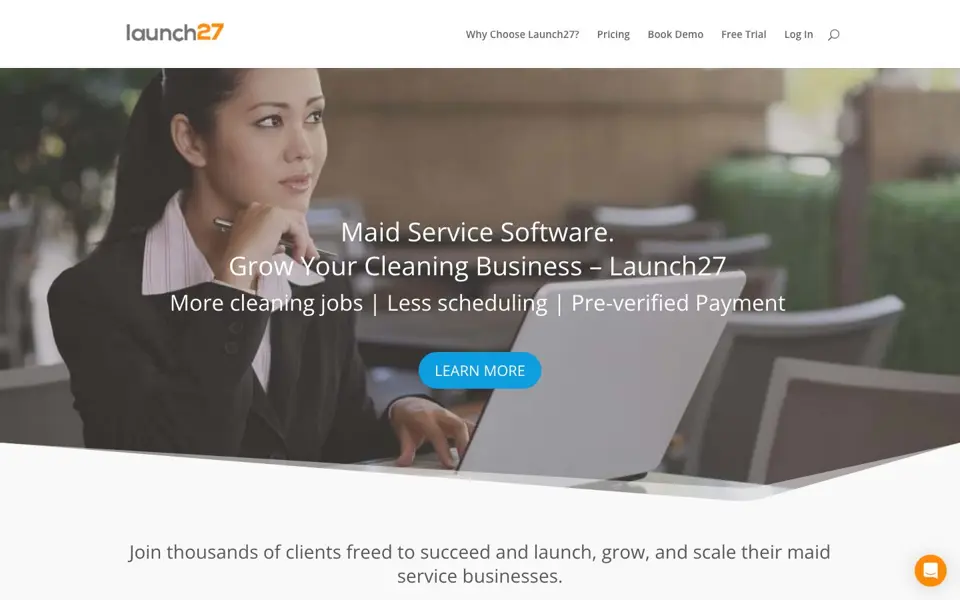
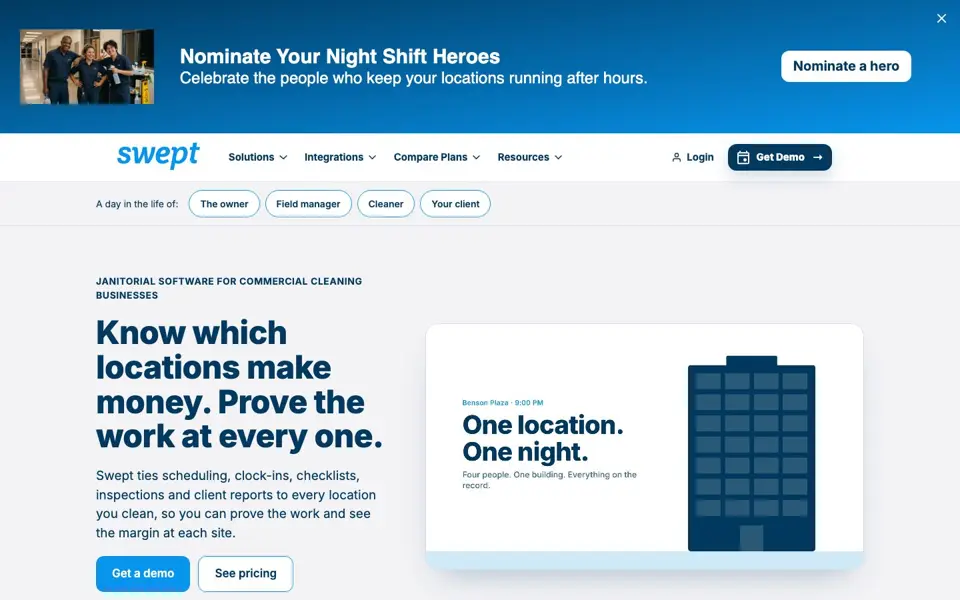
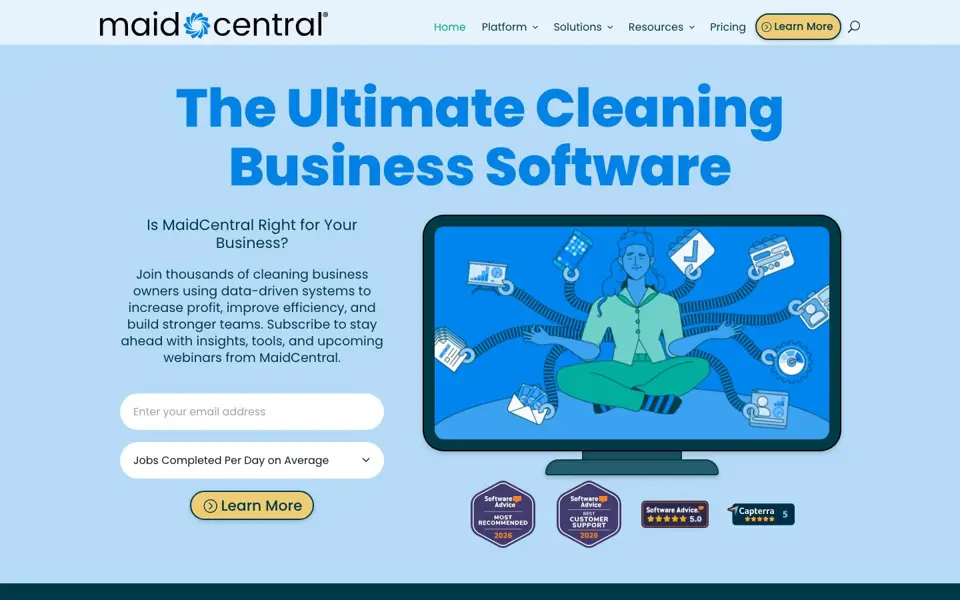
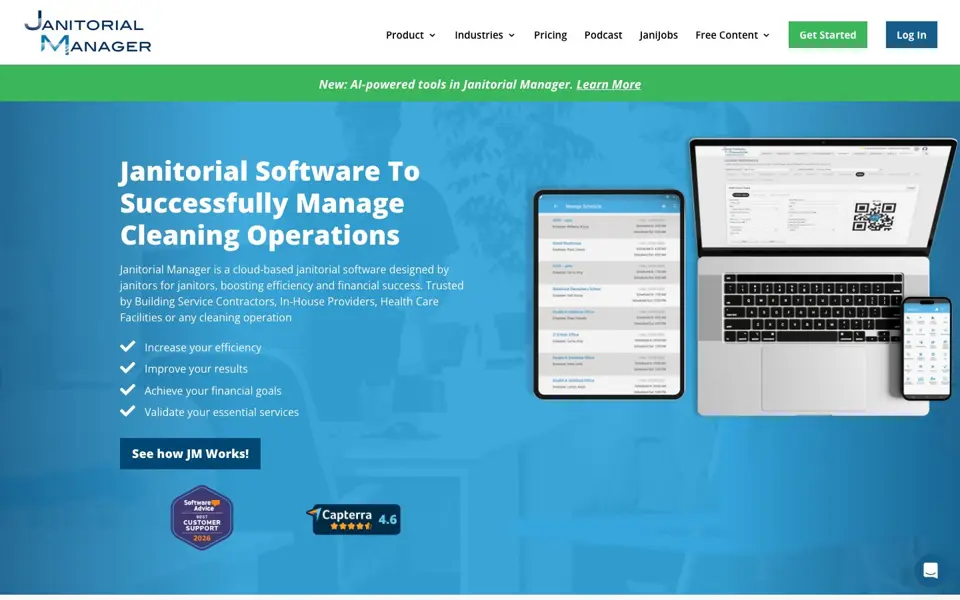
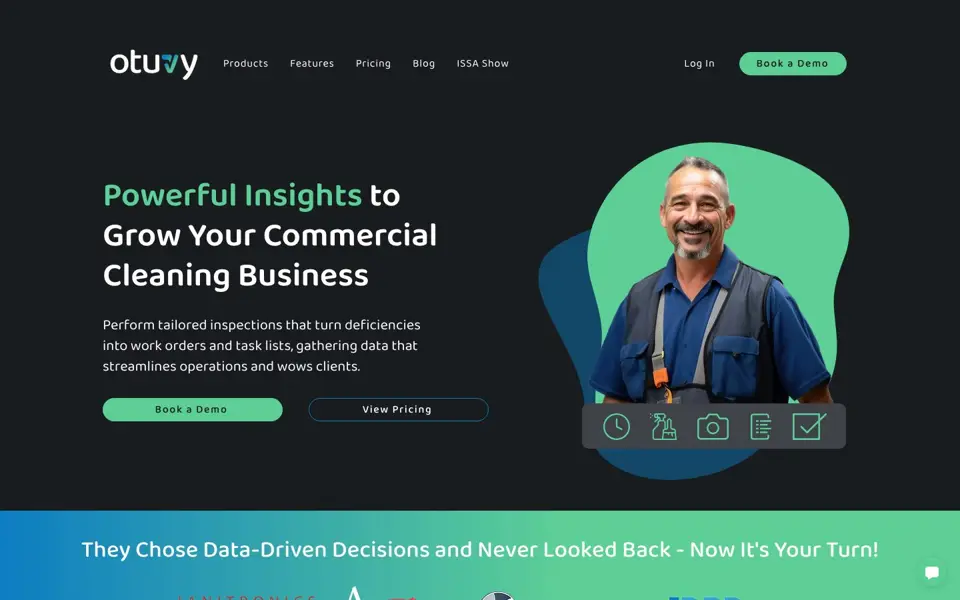
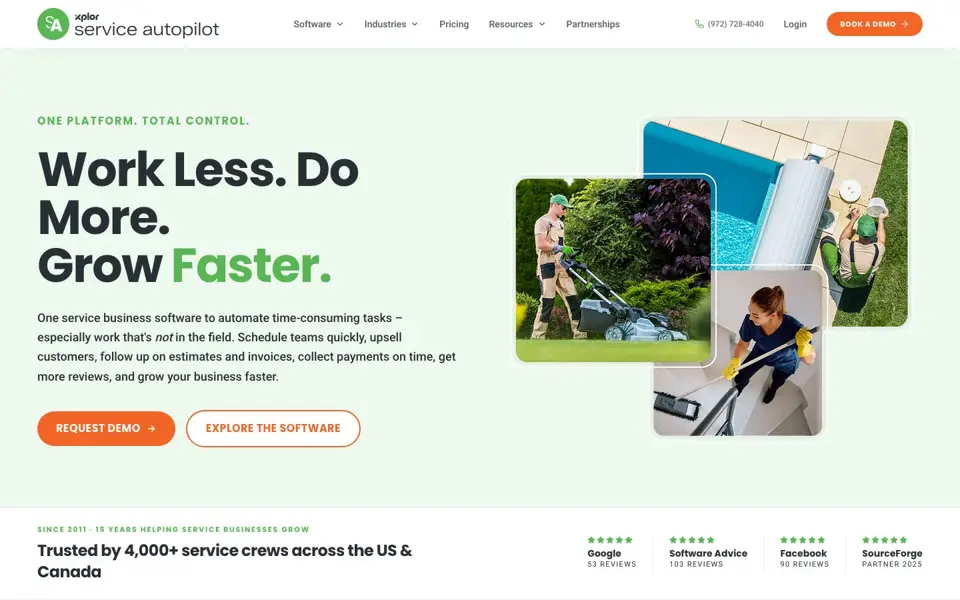
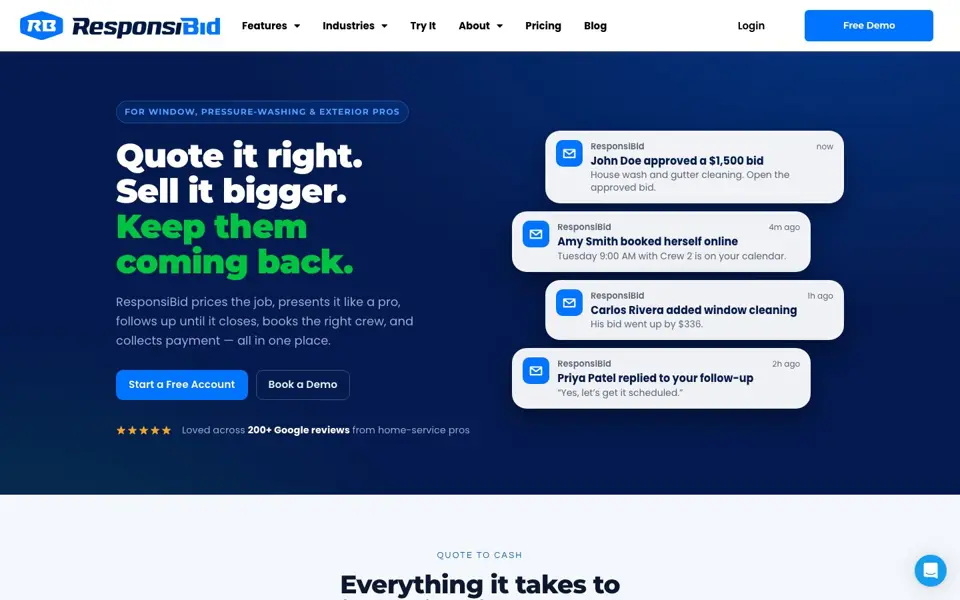
8 CRMs built only for cleaning and 12 multi trade CRMs that publish a cleaning page. We compared each cleaning page against the same vendor's other trade pages. 4 of 12 read like the same page with the trade name swapped.
Built for the trade
8
Generic vendors with a page
12
Pages that were swapped
4 of 12
Top search
cleaning business software, 590 a month
How A Cleaning Job Actually Moves
Cleaning work starts with a quote, usually based on square feet, bedrooms, bathrooms, pets and how dirty the place is. Homes often get a deep clean first, then move to a recurring plan that runs weekly, every two weeks or monthly. Commercial clients sign a contract for nightly or weekly service. The office schedules teams and sends them the address, entry codes, alarm info and a checklist for that home. Cleaners clock in at the door, work the checklist, take photos and clock out. If a client complains, the office sends someone back for a reclean. Supplies get tracked by team. Billing is usually a card on file charged after each clean, or a monthly invoice for commercial work. Tips, extras like the inside of the oven or fridge, and late cancel fees get added to the visit. Staff turnover is high, so new cleaners need the notes for every home.
Built For Cleaning
These tools were made for cleaning businesses first. Their screens use your words, not sales words.
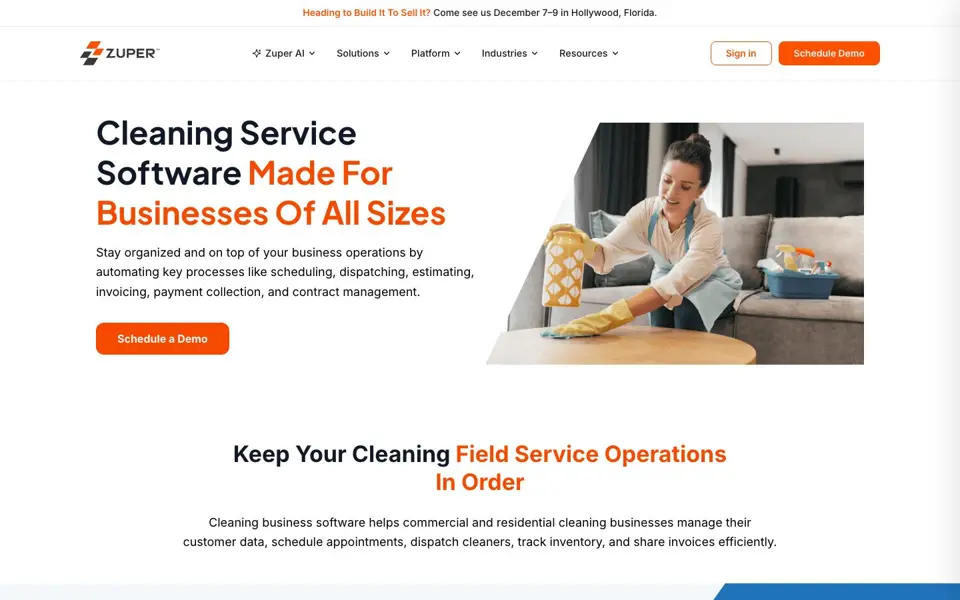
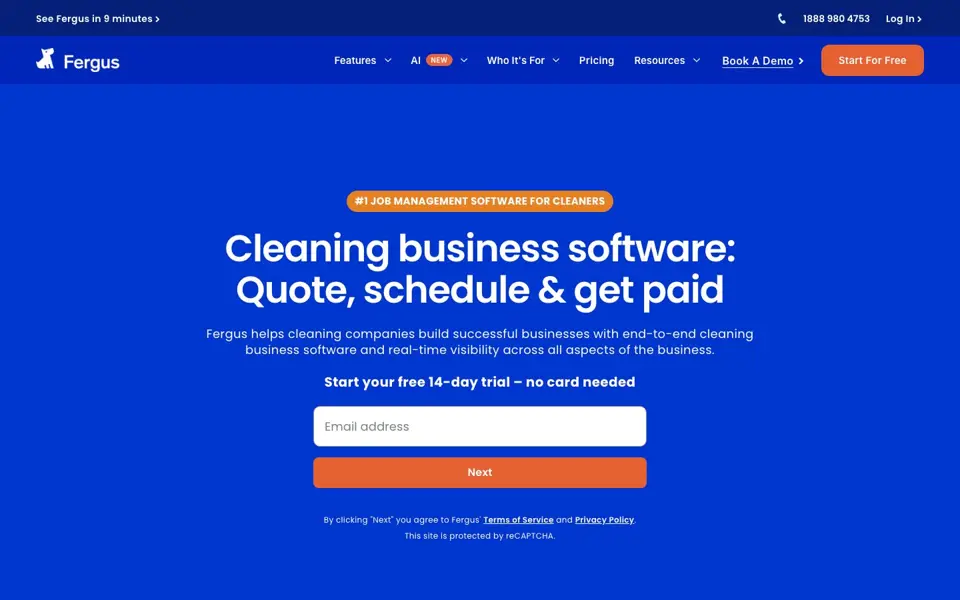
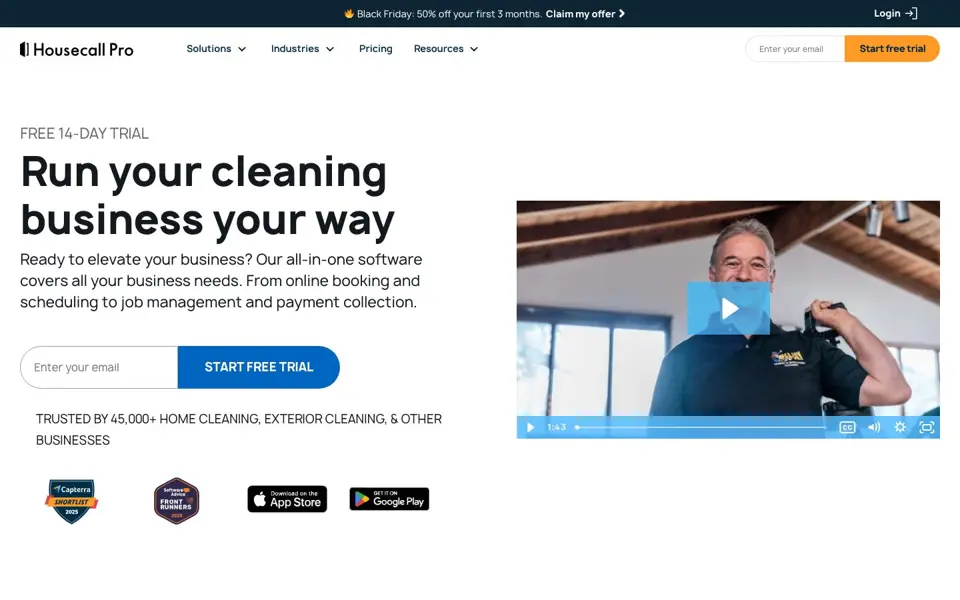
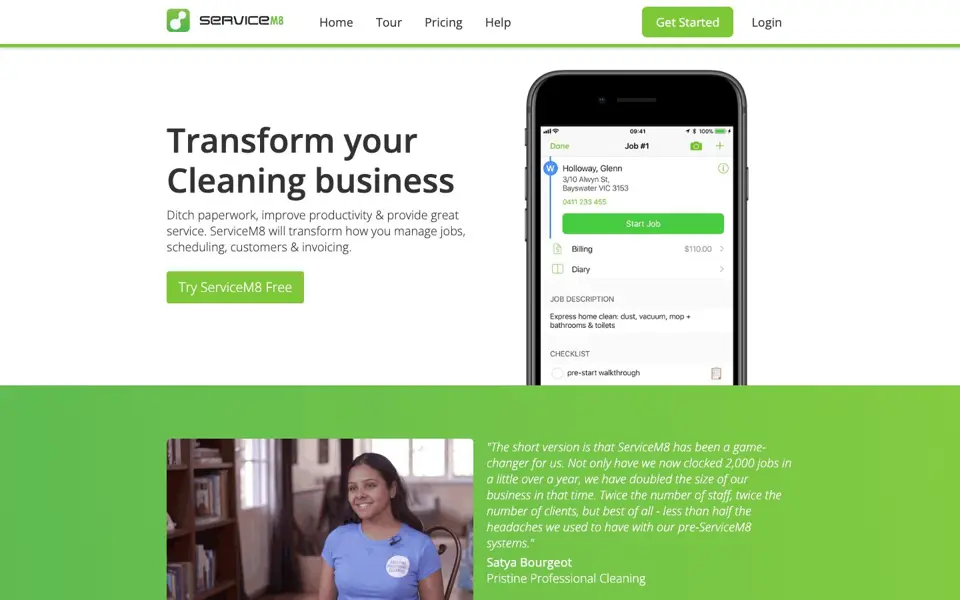
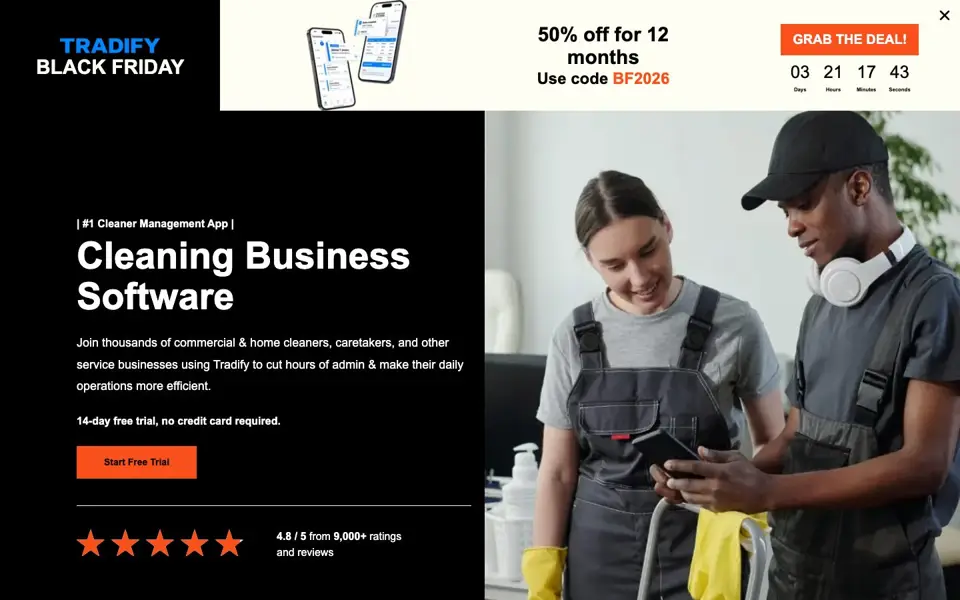
Each of these sells to many trades and has a page aimed at cleaning. We screenshot that page and compare its text with the same company's pages for other trades. Sorted from most real to most swapped.
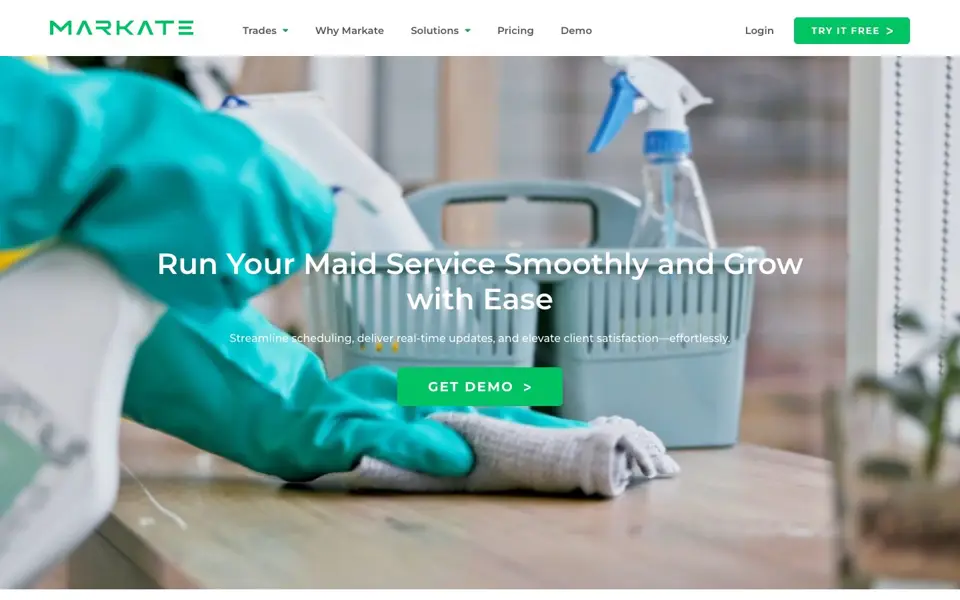
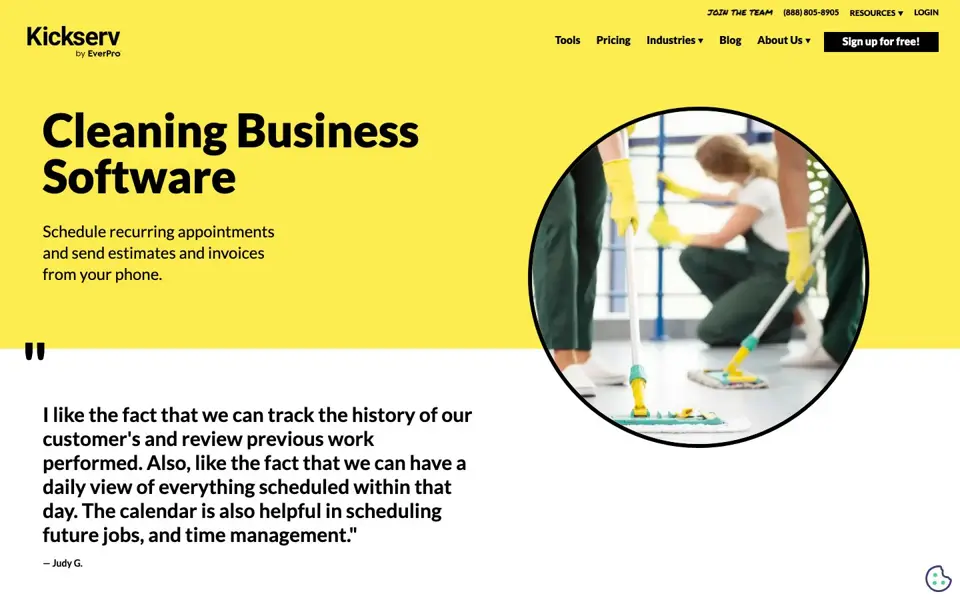
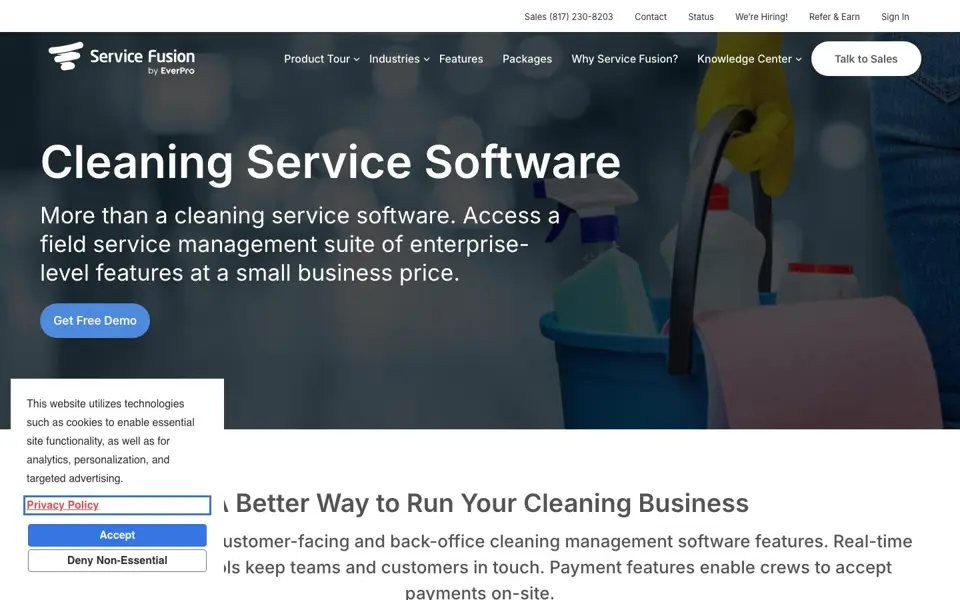
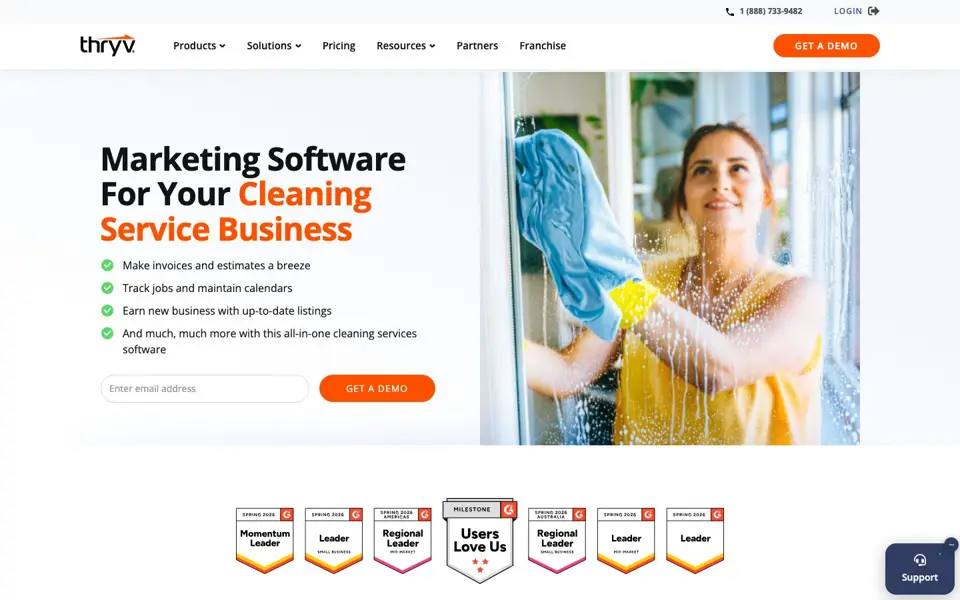
Markate page for cleaning, as captured November 2026
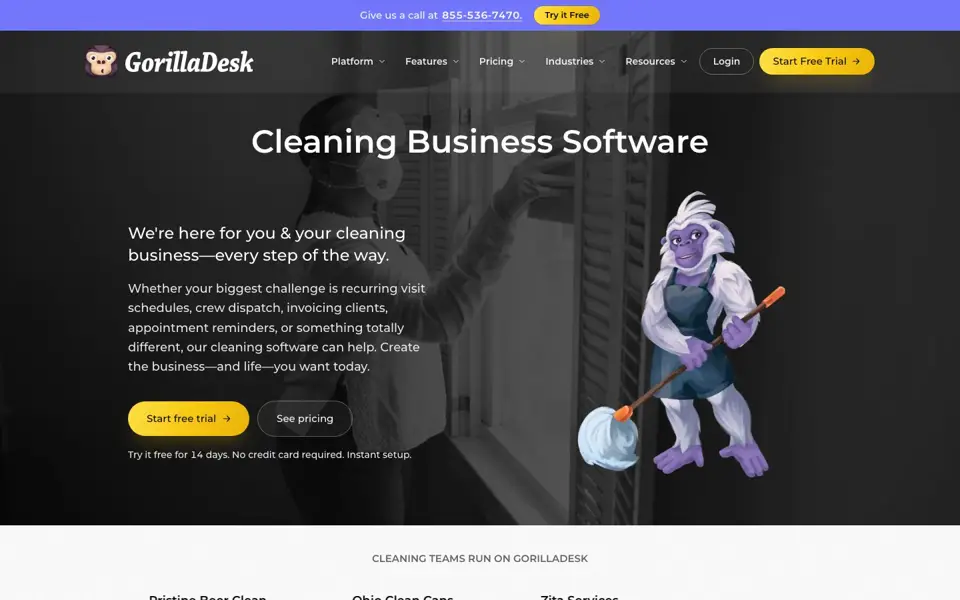
GorillaDesk publishes a cleaning page. These sentences on it also appear on its pages for other trades, with only the trade word changed. We replaced the trade word with a marker so you can see it.
let’s face it… paper schedules, whiteboards, and handwritten notes simply cannot keep up with the demands of your [trade] .
gorilladesk makes it easy to integrate with the tools you depend on so you can run a smarter, more effective [trade] .
we know you have important things to do outside of running your [trade] , so we’re here to help you get there faster.
Cleaning prices come from bedrooms, bathrooms, square feet, pets and add ons. The tool should build a quote from those answers, ideally on a booking form the customer fills in. Without it, the office does math on every call, quotes swing all over the place, and you underprice the big houses.
Demo test. Ask them to quote a four bedroom, three bath home with pets and an inside fridge add on in under a minute.
Recurring Schedules by Team
Clients want the same cleaner or team every time, on the same day. The tool should keep that pairing, repeat the schedule and handle a skipped week without breaking it. Without it, the schedule gets rebuilt every week, clients get a stranger at the door, and they cancel.
Demo test. Ask them to set a biweekly client with a set team, then skip one week and show the next visit stays put.
Secure Access Notes
Cleaners need entry codes, lockbox codes, alarm codes and pet notes for every home. That information has to show only to the team assigned that day, not to everyone. Without it, codes end up in group texts, a former employee still has them, and a client loses trust in you.
Demo test. Ask who can see an alarm code in the app and whether it hides from staff not on that clean.
GPS Clock In and Out
Clients sometimes say nobody came or the team left early. GPS clock in at the address settles that, and it also drives payroll for hourly staff. Without it, you pay for hours nobody can prove and you have no answer when a client disputes a bill.
Demo test. Ask them to clock in on a phone at an address and show the time and location on the visit record.
Checklists and Photos by Room
A checklist for each home keeps quality steady when the team changes. Photos at the end prove the work was done. Without them, new cleaners skip the baseboards, the client complains, and you pay for a reclean with nothing to show what was or was not done.
Demo test. Ask them to build a room by room checklist for one client and show a cleaner checking it off with photos.
Card on File With Tips and Fees
Most residential cleaning gets charged to a card after each visit. The tool should handle tips going to the right cleaner, late cancel fees and add ons. Without it, the office chases payments, tips get lost, and cleaners feel shorted, which feeds the turnover you are already fighting.
Demo test. Ask them to charge a visit with a tip and an add on and show where the tip lands for payroll.
Signs It Is Generic
Calls a recurring client a deal that was won once
Has no place for entry codes, alarm codes or pet notes
Cannot quote by bedrooms, bathrooms or square feet
Has no clock in or proof of visit for cleaners
Treats a reclean as a new job with a new charge
Systems It Should Connect To
Stripe
Square
Gusto
QuickBooks
Google Maps
Google Local Services Ads
Thumbtack
Angi
What It Costs
Cleaning software is usually priced per user or by tier, based on how many staff or active clients you have. Some charge a flat monthly fee for small teams and more as you grow. Payment processing usually has its own rate. Online booking and marketing tools may cost extra. With high turnover, ask whether you pay for every cleaner who ever had a login or just active ones.
Tradesmen Reviews
Public threads where cleaning owners and techs talk about the CRMs they run. Each links to the original so you read it in their words.
Monthly Google searches in the United States, {SEEN}. Cost is what advertisers pay per click, which shows how hard vendors fight for that search.
Search
Per month
Ad cost per click
cleaning business software
590
$51.56
cleaning company software
590
$51.56
cleaning business crm
170
$36.39
cleaning company crm
170
$36.39
crm for cleaning business
170
$36.39
cleaning business scheduling software
140
$28.07
best cleaning business software
110
$62.89
best cleaning company software
110
$62.89
cleaning business management software
110
$8.95
house cleaning software
110
$17.84
janitorial software
90
$34.09
best crm for cleaning business
50
$39.02
Questions People Ask
What is the best software for a cleaning business?
Look for software that quotes by rooms and square feet, books online, keeps recurring schedules with the same team, stores access notes safely, tracks clock ins and charges a card after each clean. If you do commercial work, check for contracts and monthly invoicing too. Test it with a real recurring client during the demo.
How do cleaning companies price jobs?
Most residential cleaners price by bedrooms, bathrooms and square feet, with extra for pets, deep cleans and add ons like ovens or windows. Some price by the hour. Commercial work is usually priced by square feet and frequency on a contract. Good software lets you set your own rules so every quote comes out the same way.
Can cleaning software store entry codes safely?
Better cleaning tools let you store codes and keys on the client record and show them only to the team assigned that day. Ask whether codes hide from staff not on the job, whether access gets removed when someone leaves, and whether there is a log of who viewed them. Codes in group texts are a real risk.
How do cleaning businesses track employee hours?
Most use a clock in and clock out on a phone app, often with GPS so it only works at the client address. That time then feeds payroll. Ask whether the app works offline, whether it tracks drive time between homes, and whether it exports cleanly to your payroll system so nobody has to retype hours.
Can cleaning software handle commercial janitorial contracts?
Some can and some are built only for homes. Janitorial work needs contracts, nightly schedules, multiple sites, supply tracking, inspections and monthly invoices. If commercial is a big part of your business, ask to see a multi site contract set up in the demo. Tools built for homes often struggle with it.
Does cleaning software let clients book online?
Many cleaning tools have a booking form that quotes the price as the customer answers questions about the home, then takes a card and books the slot. That saves phone time and catches leads at night. Ask whether the form uses your own pricing rules and whether it only shows times your teams can really cover.